

Your notes, tasks & plansfinally in one place
Jotifi blends rich notes, task boards, calendars, and whiteboards into one calm workspace. Capture an idea, turn it into a plan, and share it live—across desktop, web, and mobile.




Free to start · No credit card · Encrypted end to end
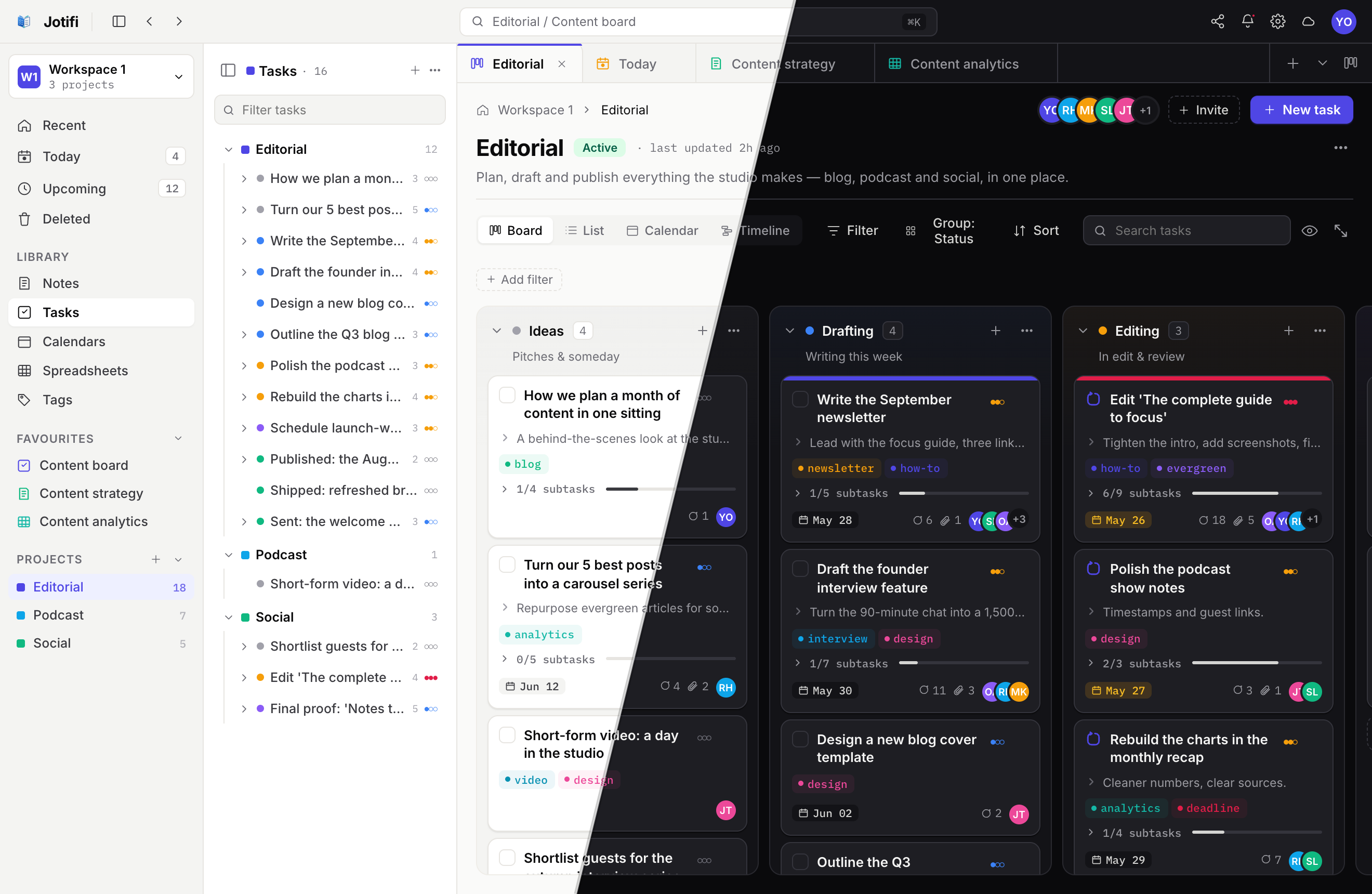
Everything, in one app
All your tools, working as one
Stop juggling a notes app, a to-do app, and a board tool. Jotifi brings them together so your ideas and plans never live in separate silos.
Rich notes
Write with headings, checklists, tables, code, images and more. Drop live boards and tasks right inside a note.
Tasks & subtasks
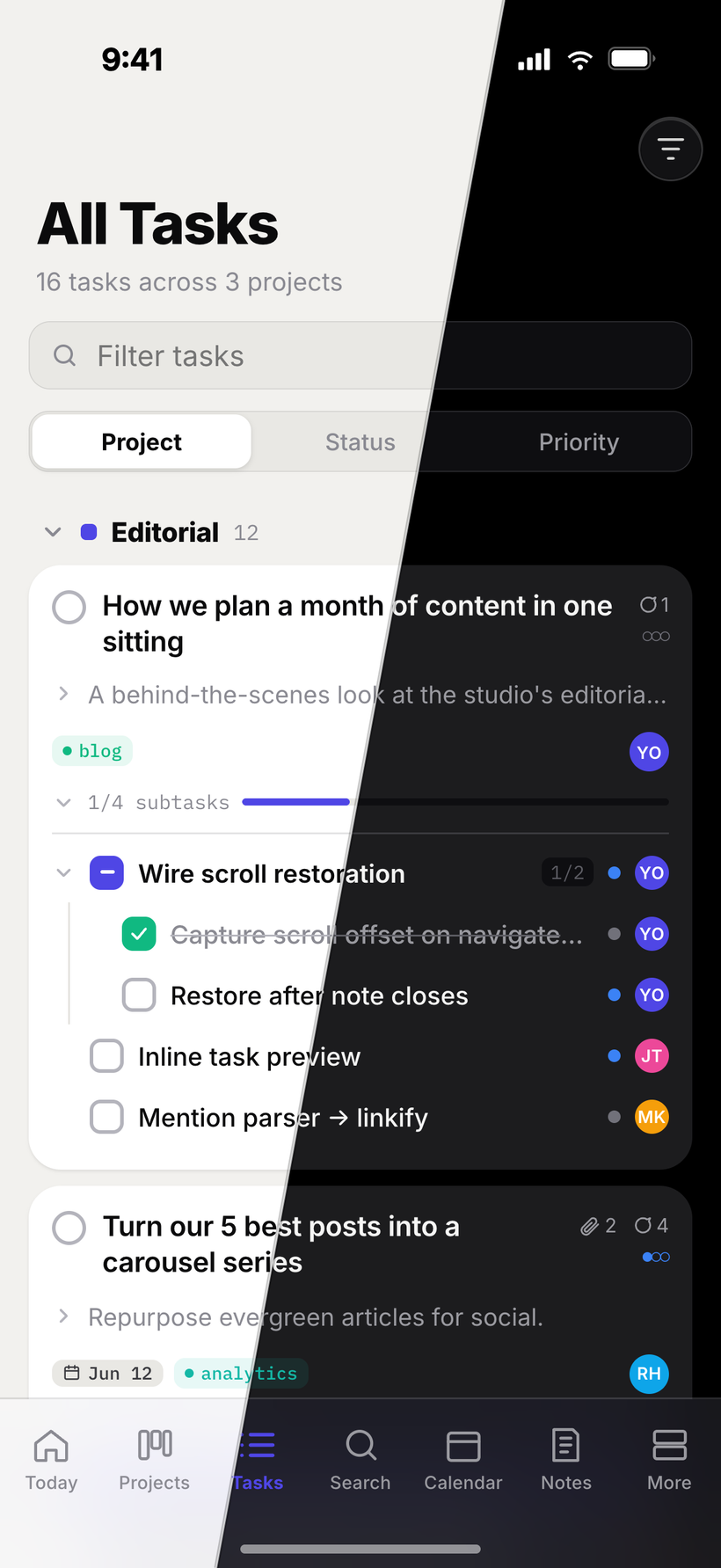
Priorities, due dates, reminders, assignees, and nested subtasks with live progress. Edit inline and stay on top of what matters today.
Kanban boards
Drag tasks across columns grouped by status, field, or date range. Colour-coded lanes and density controls keep busy boards readable.
Calendar
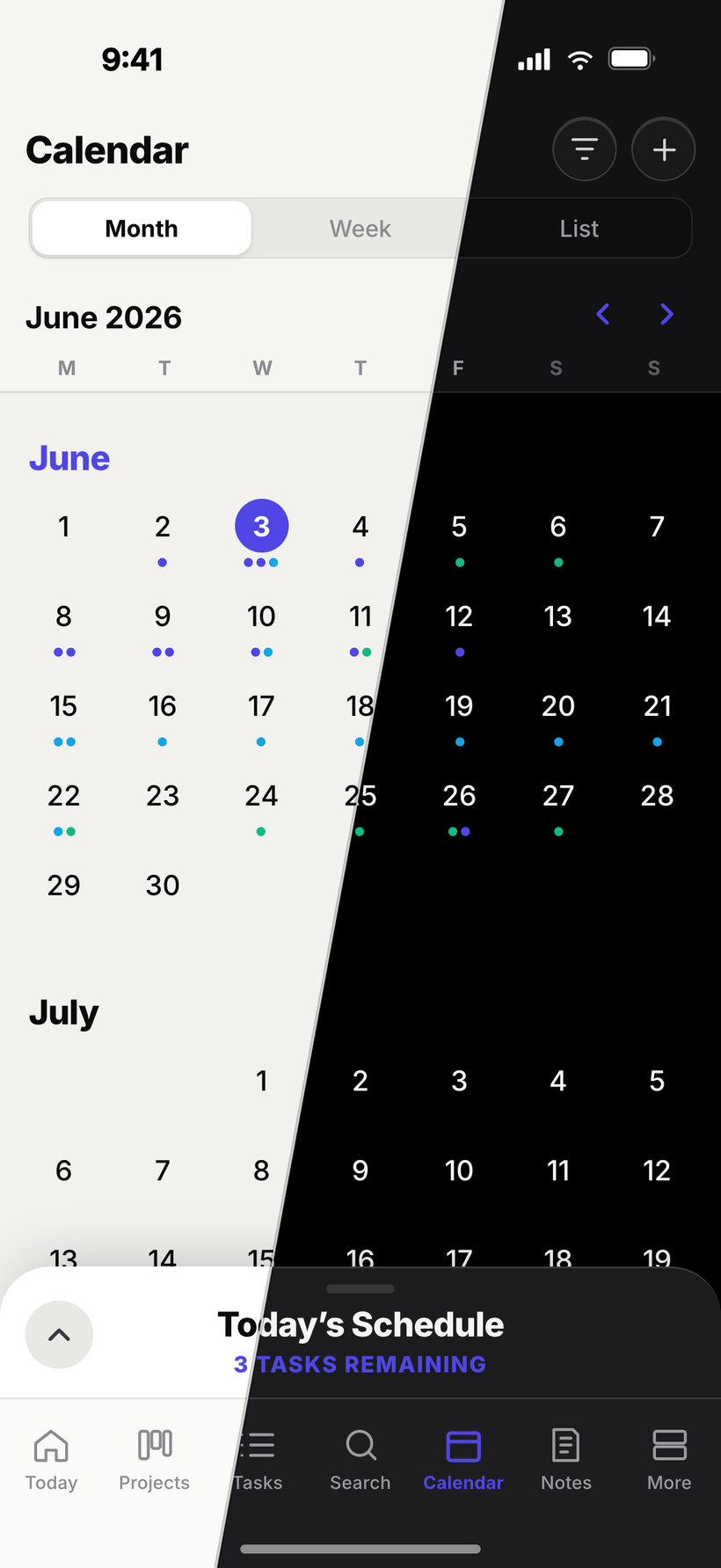
Month, week, and agenda views with a live now-line. Tasks show up as events, colour-matched to their project, so your week reads at a glance.
Whiteboards
An infinite canvas where notes, sketches, tasks and more become blocks you can drag, resize and arrange however you think.
Spreadsheets
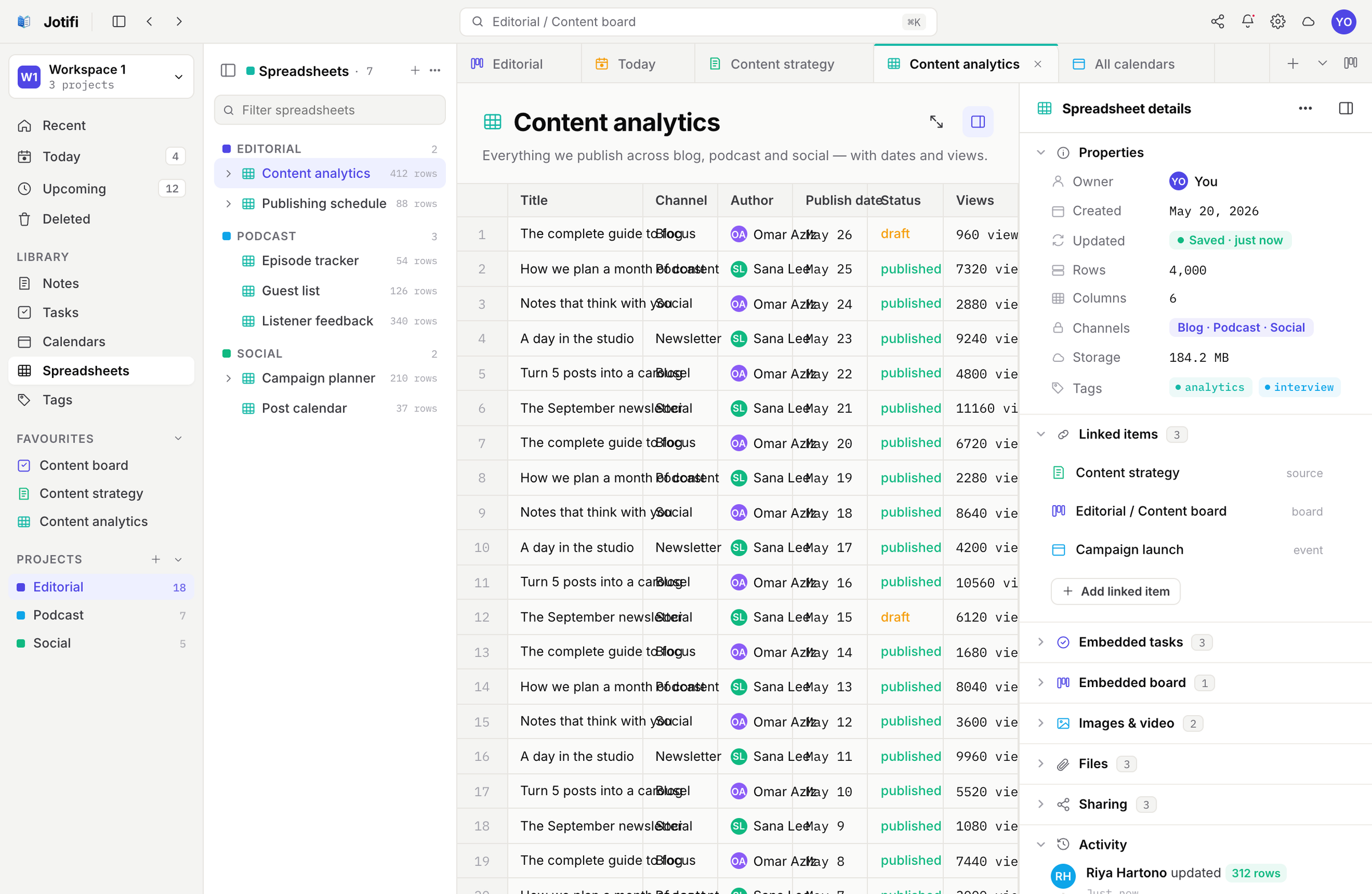
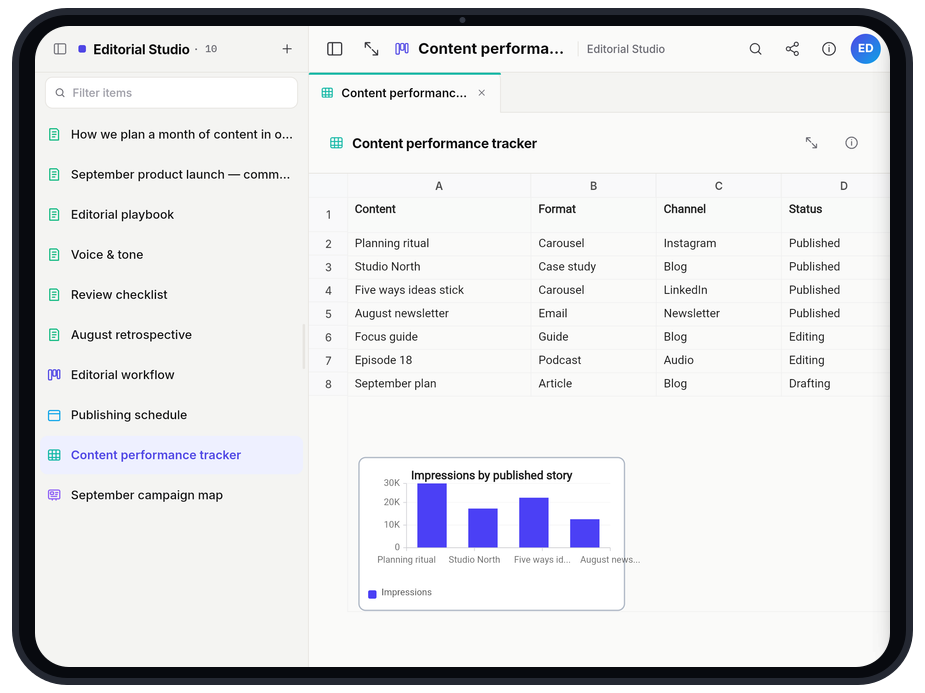
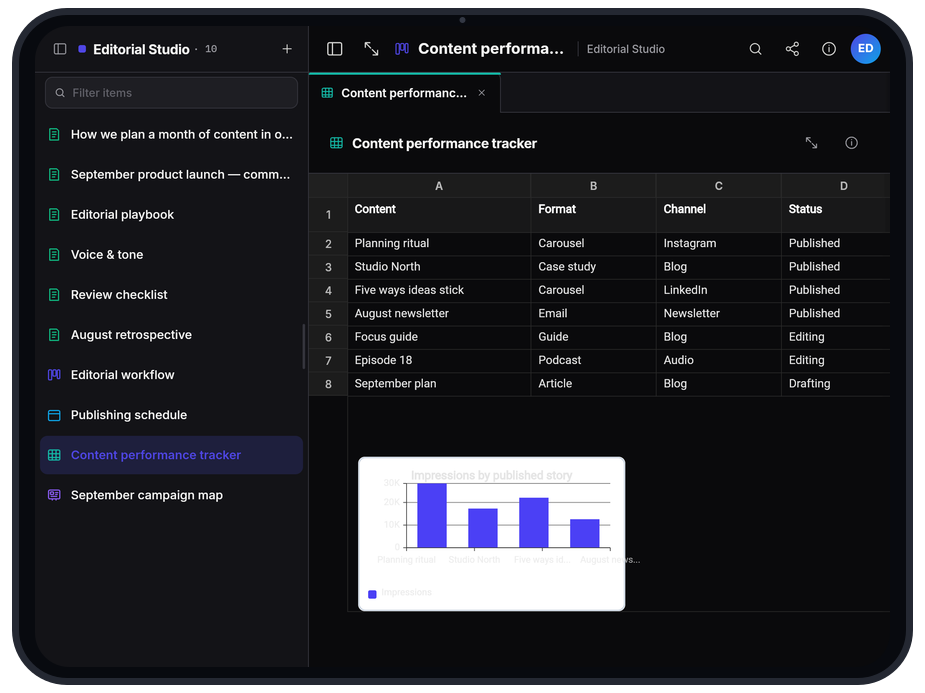
Real tables with formulas, formatting and charts—for trackers, budgets and plans. Embed one inside any note or board.
A closer look
Built to flow from idea to done
Write & capture
Notes that hold everything
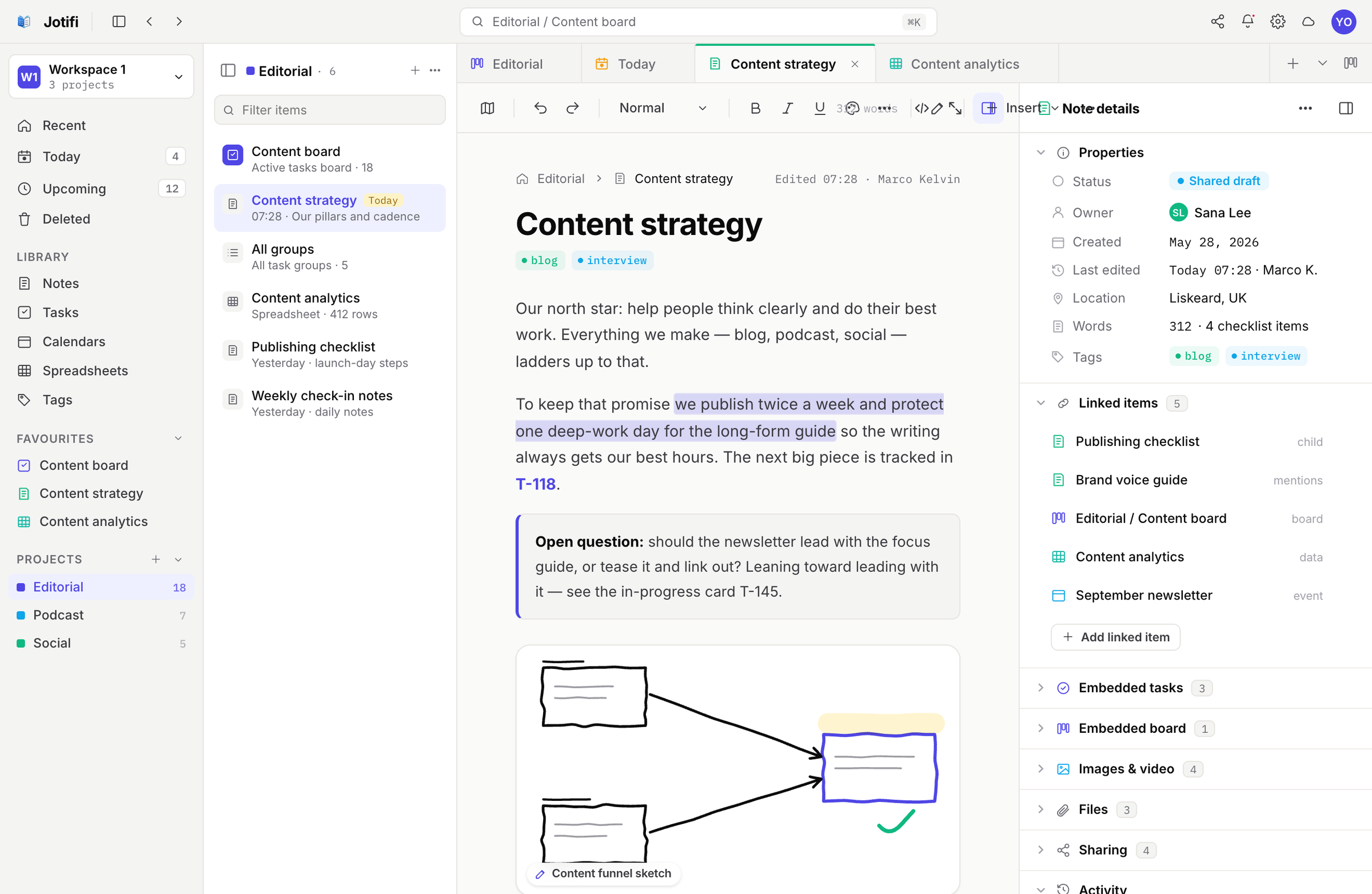
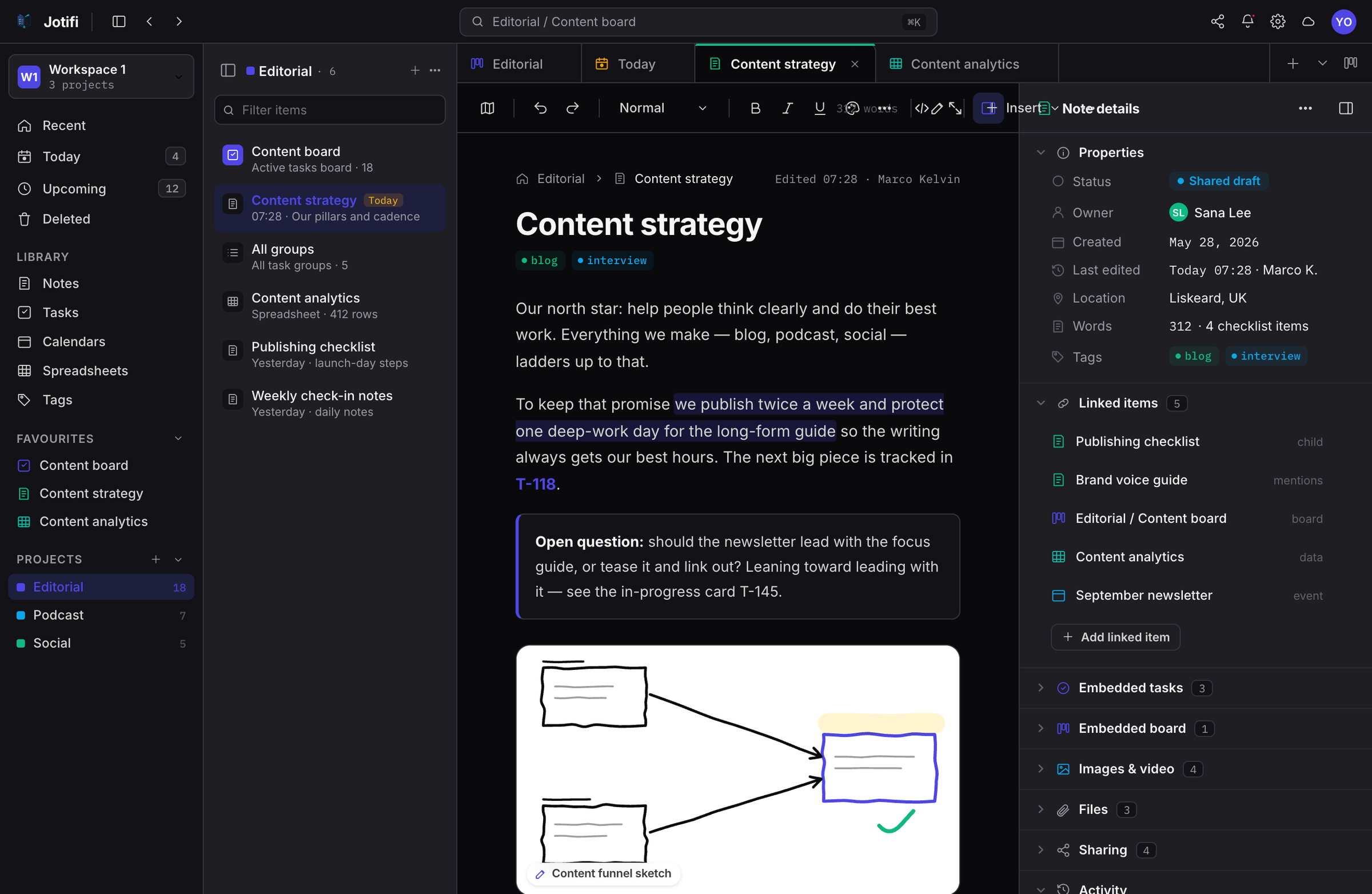
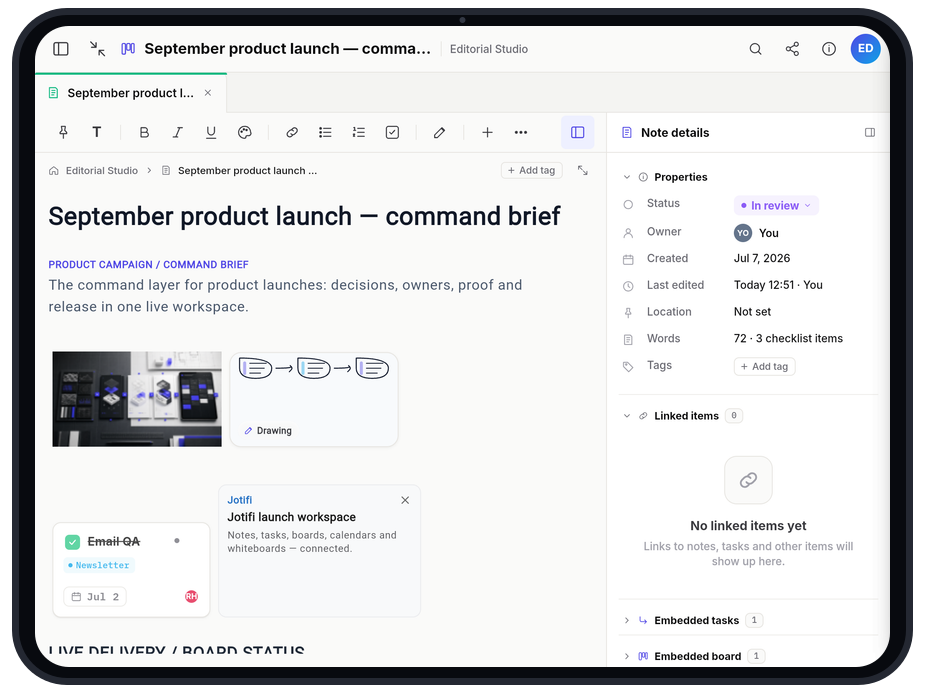
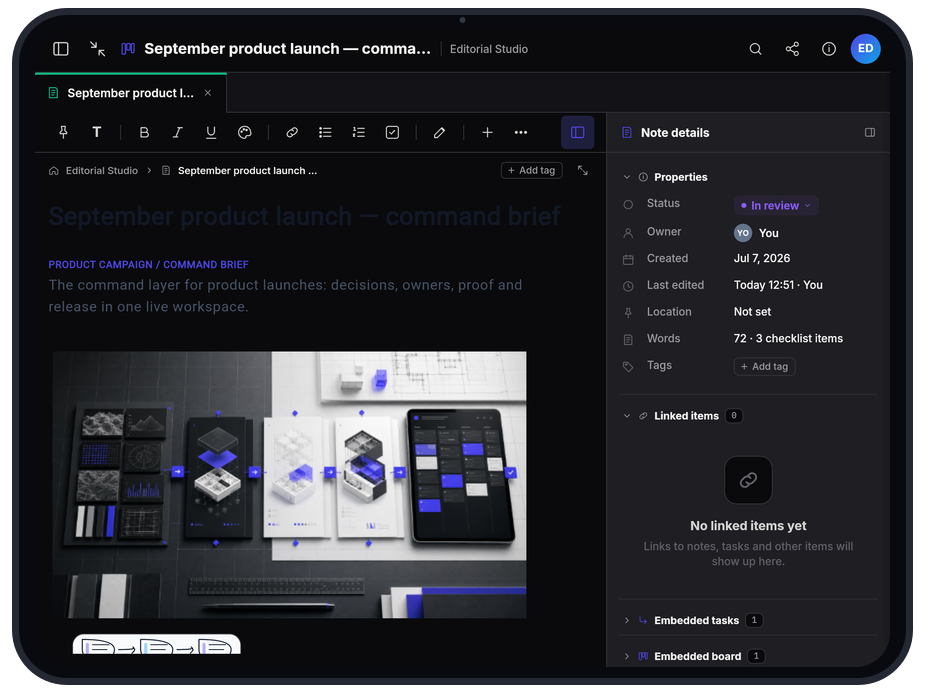
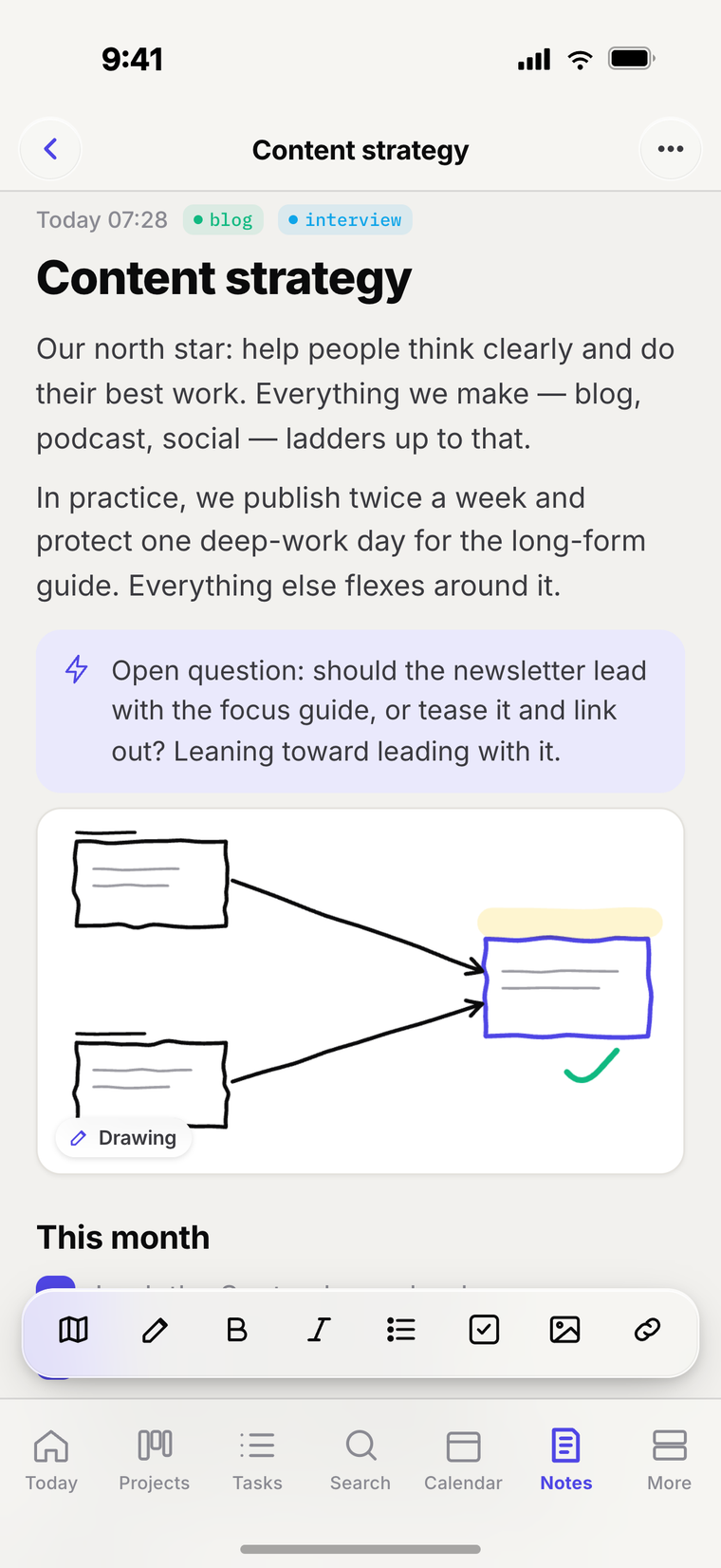
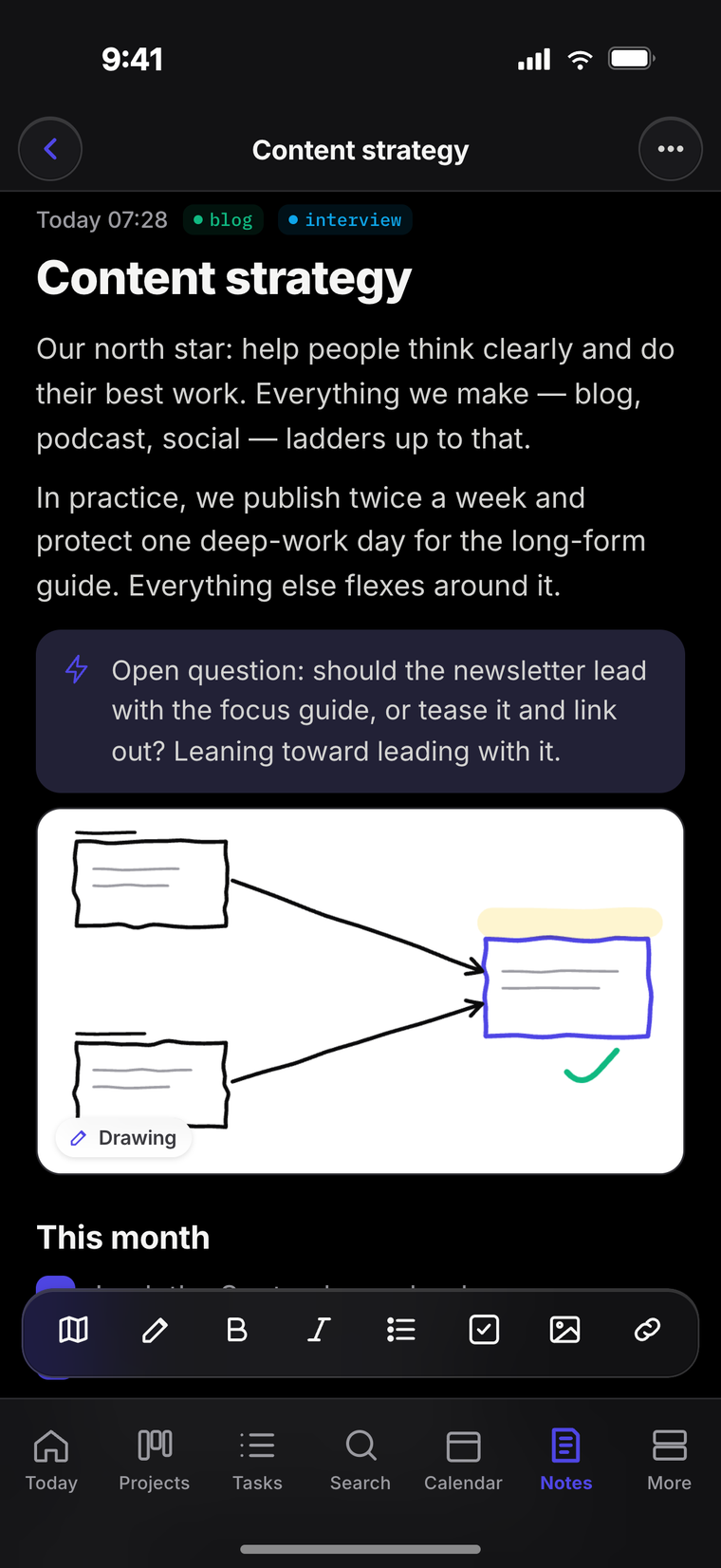
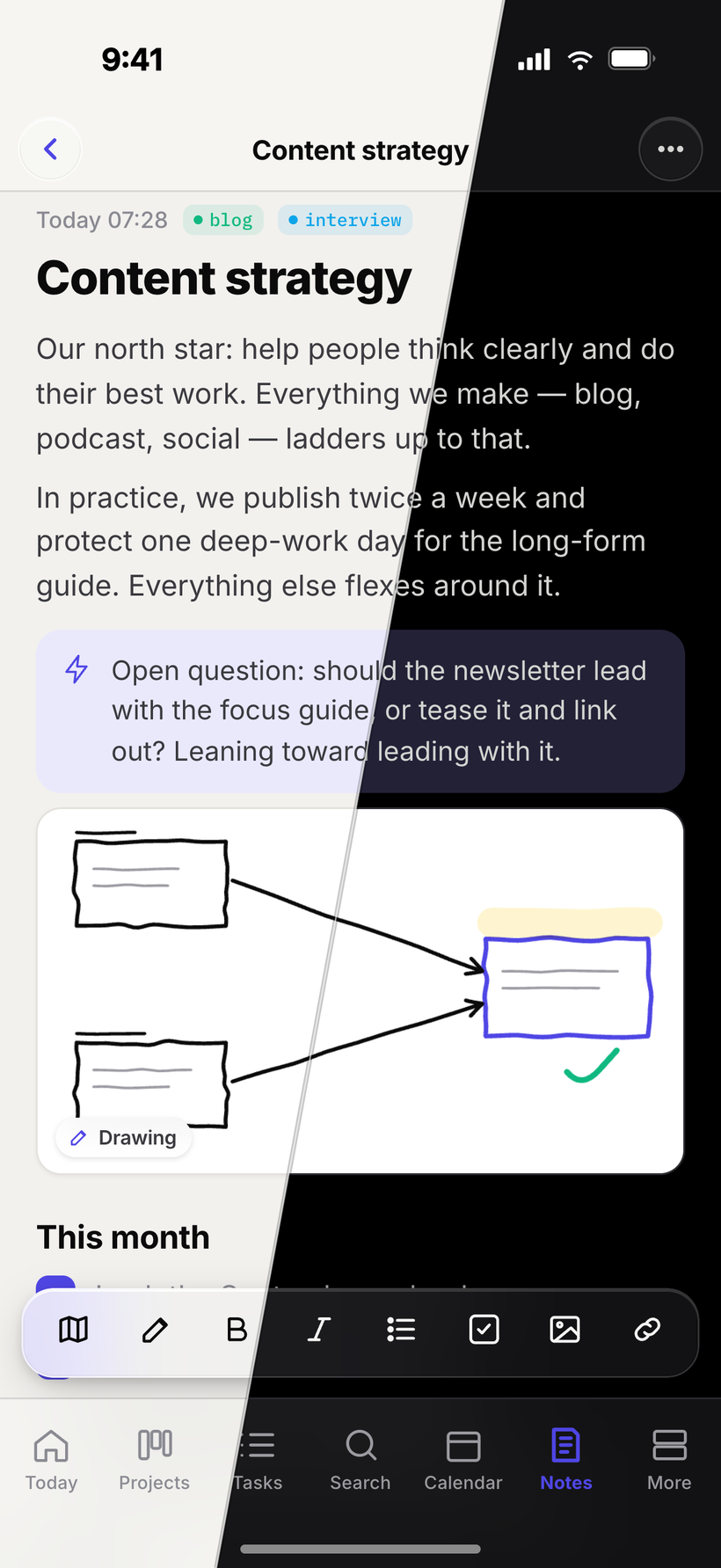
Far more than plain text—checklists, code, quotes, sketches and more. Link live tasks and boards right on the page, and pick the same note up on your phone.
- Rich text, callouts, code & inline drawings
- Link tasks, boards & files inside a note
- Editor that feels at home on mobile too
Organise the work
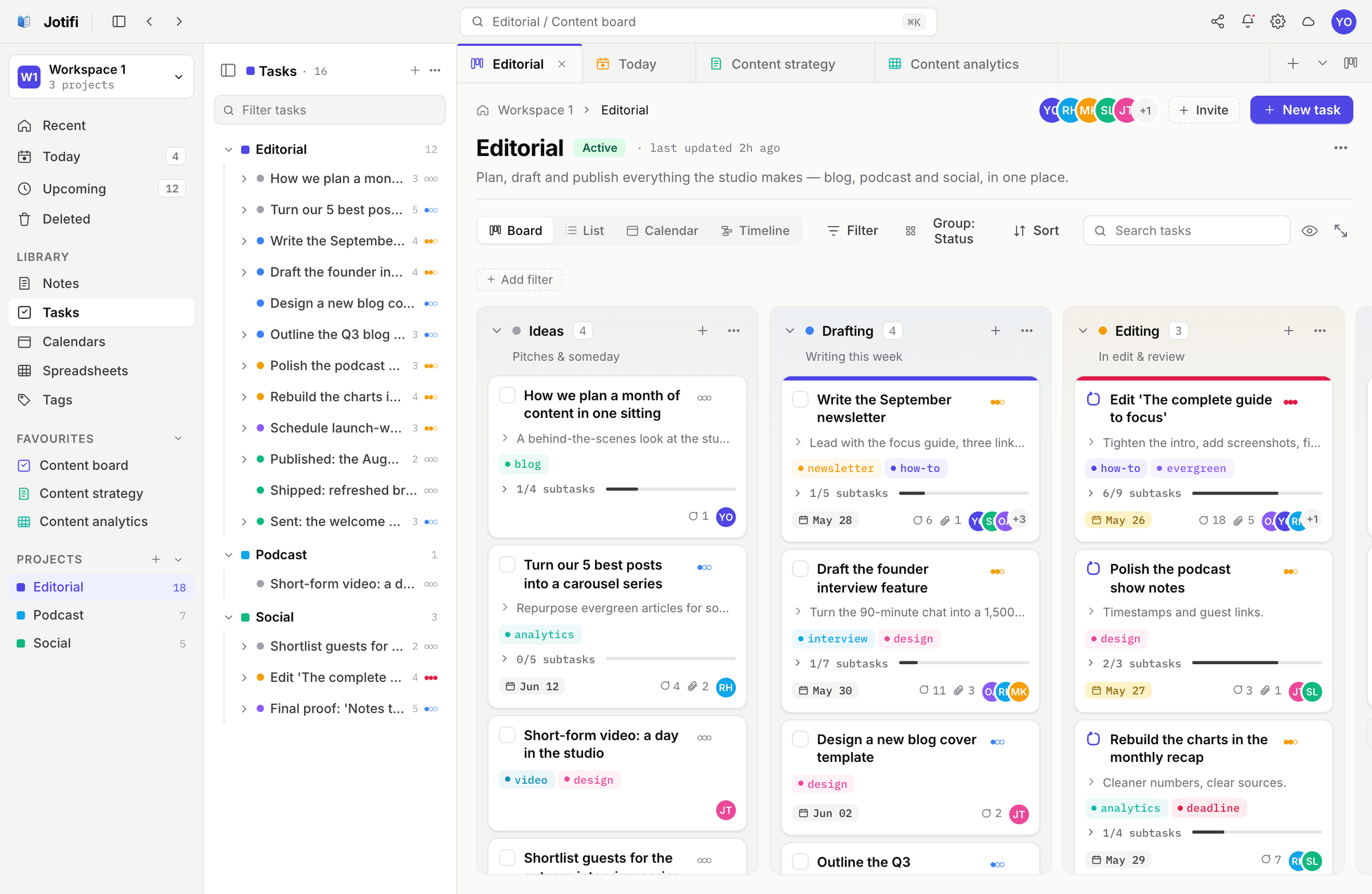
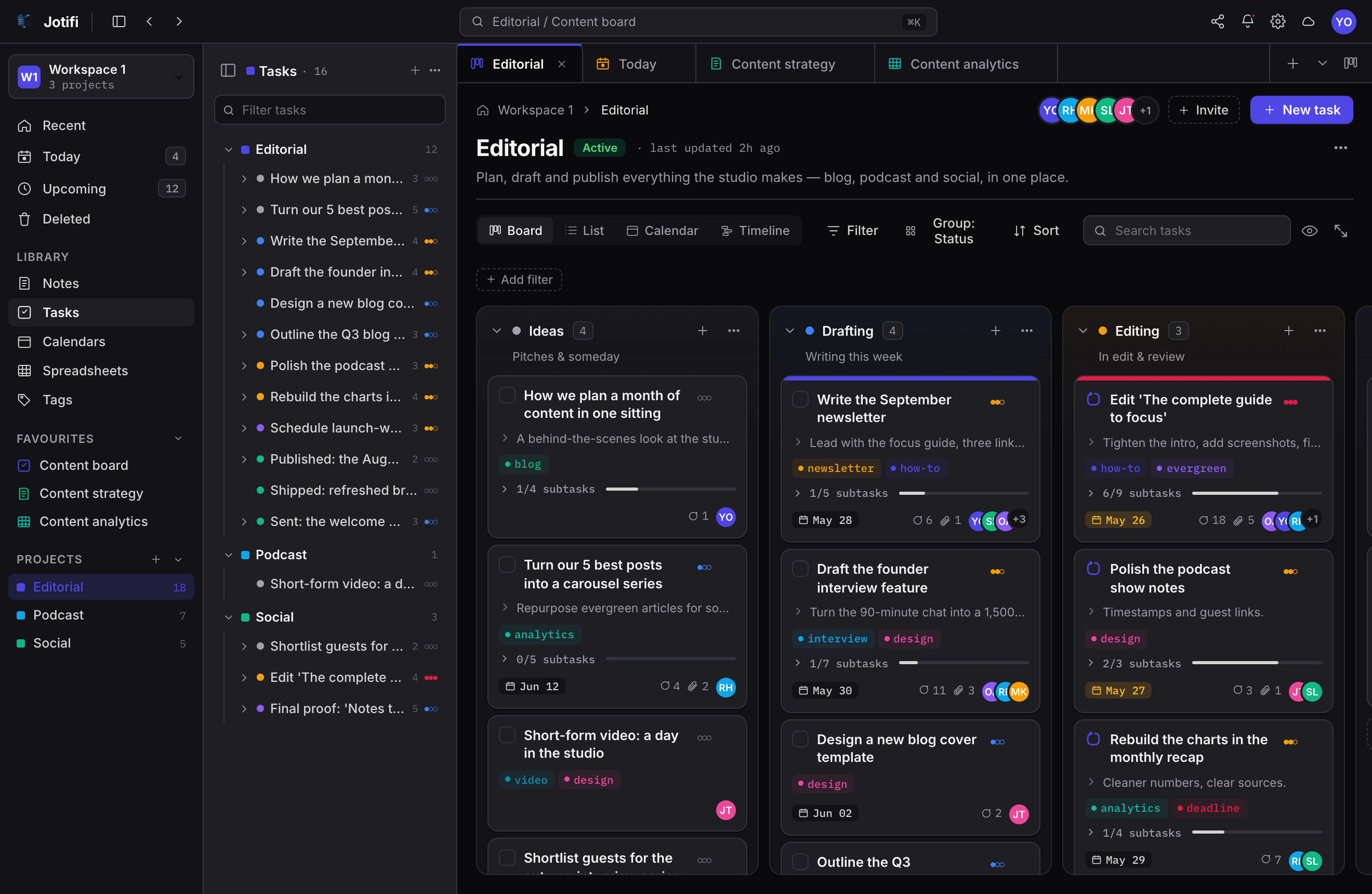
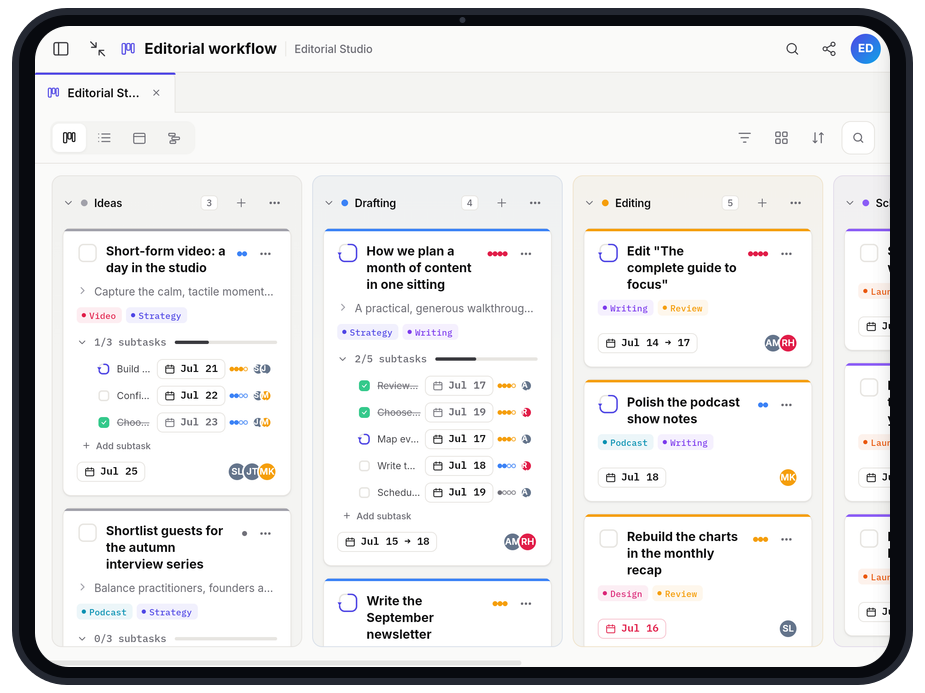
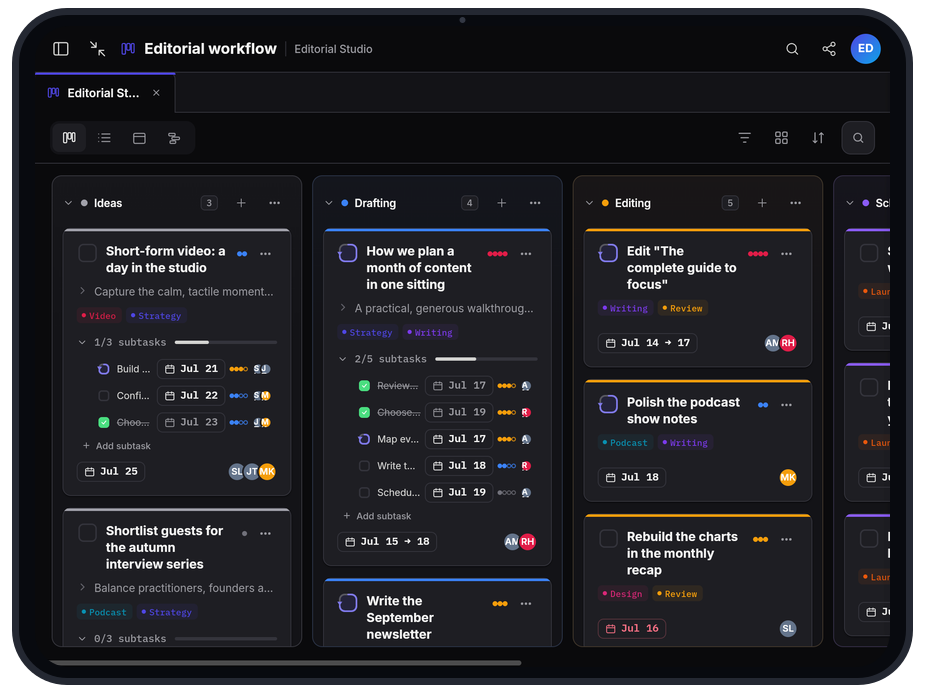
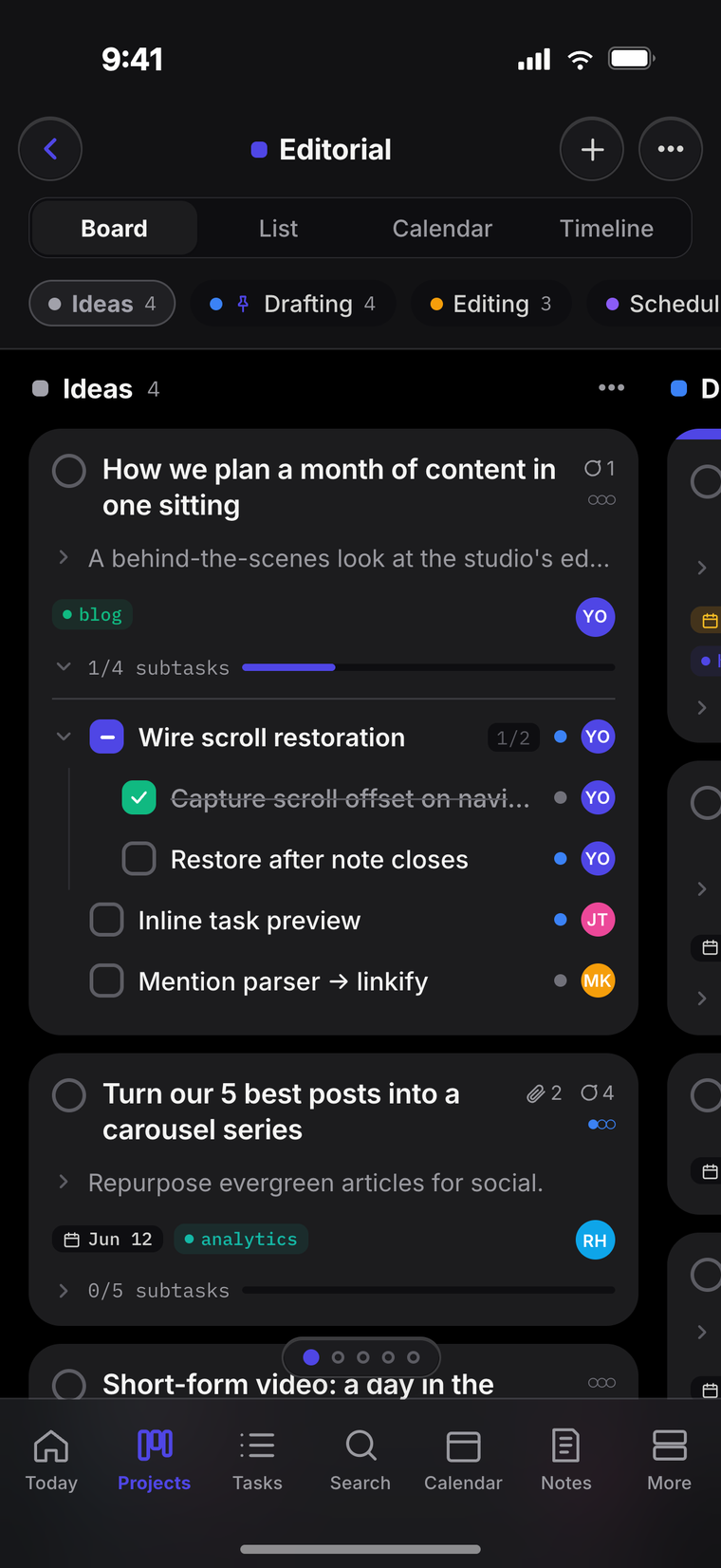
Boards that move with your week
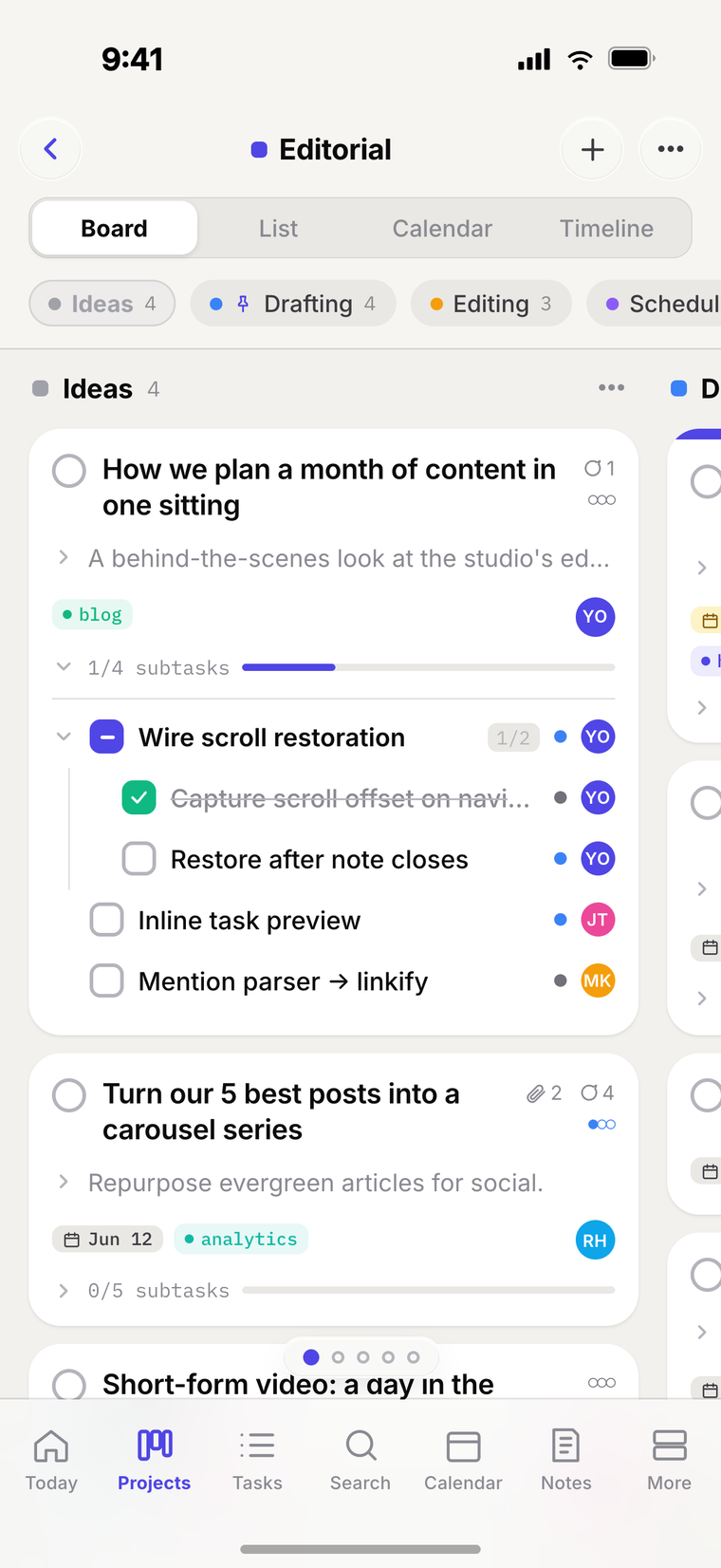
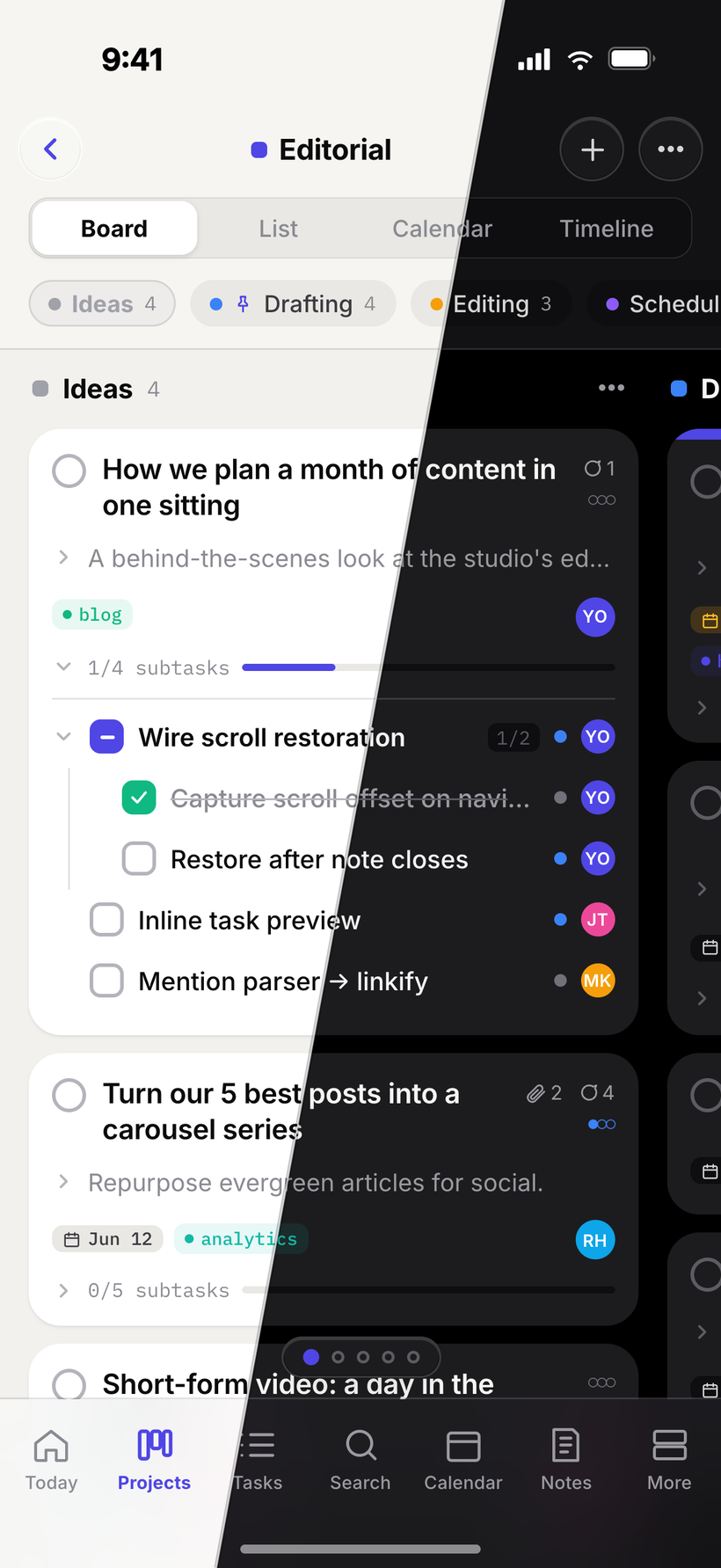
Drag cards from idea to published across colour-coded columns. Group by status, owner or date—and the same board is a swipe away in your pocket.
- A column for every stage of the work
- Group by status, owner or date
- Swipe between columns on mobile
See the plan
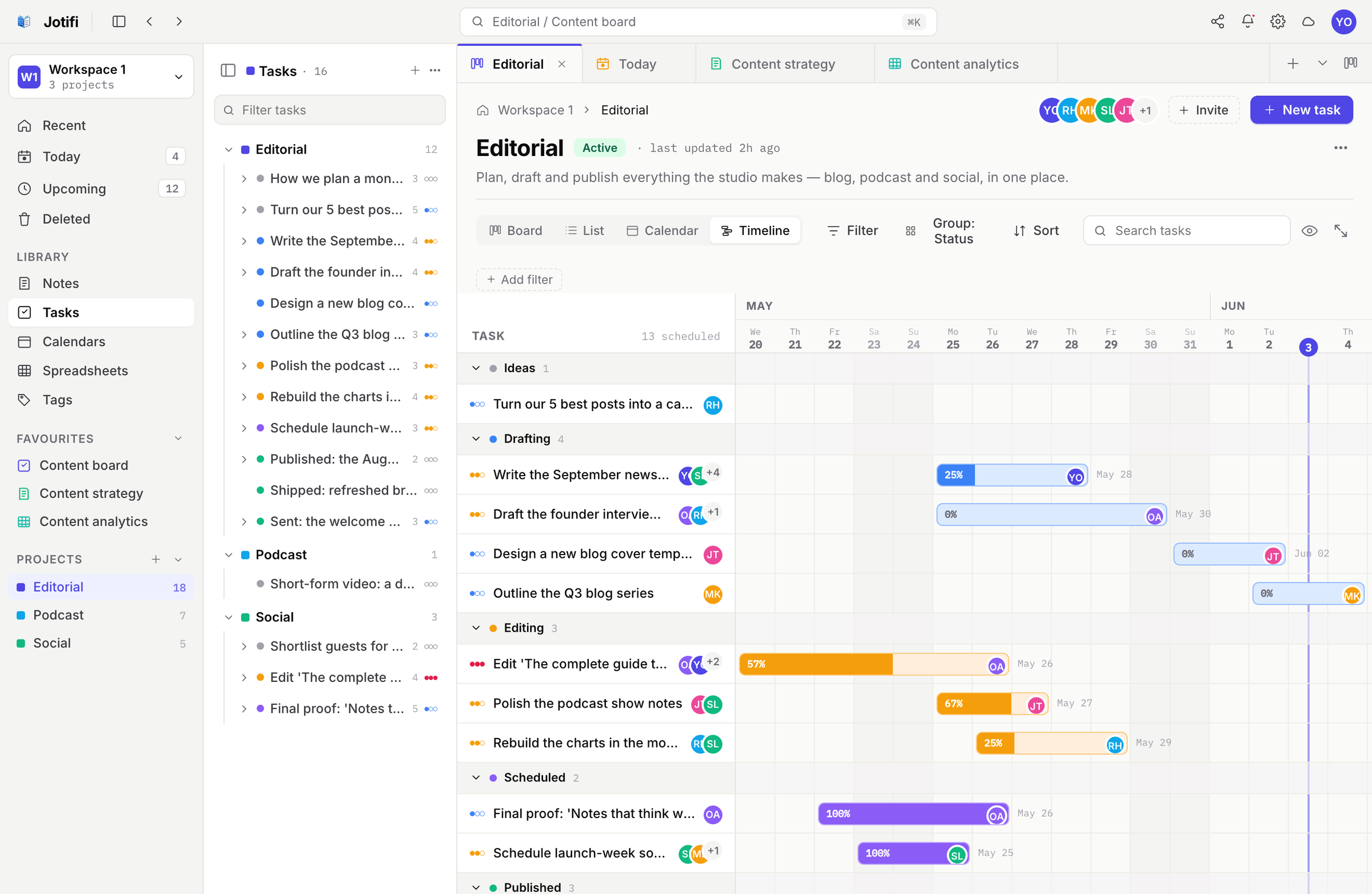
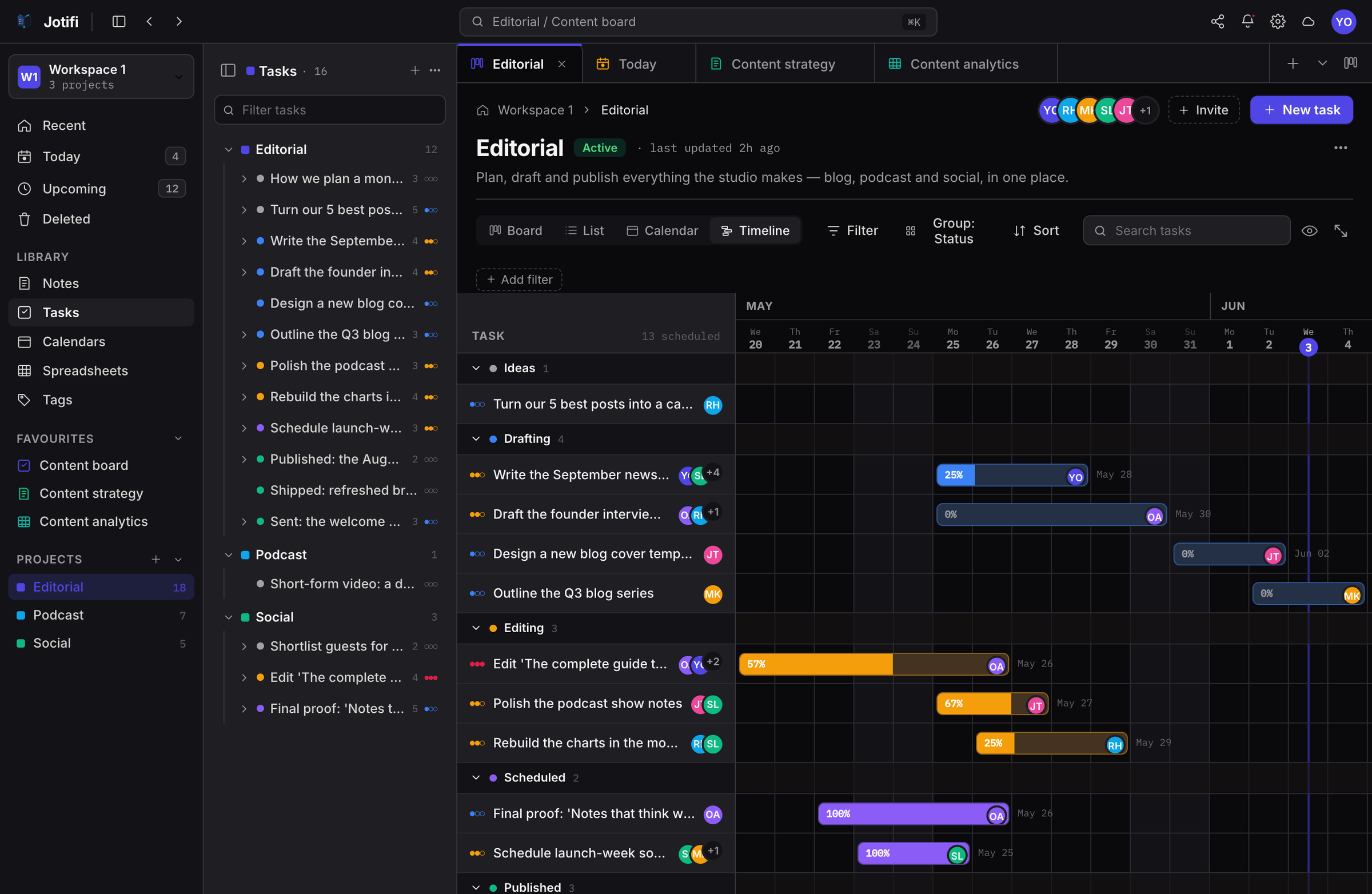
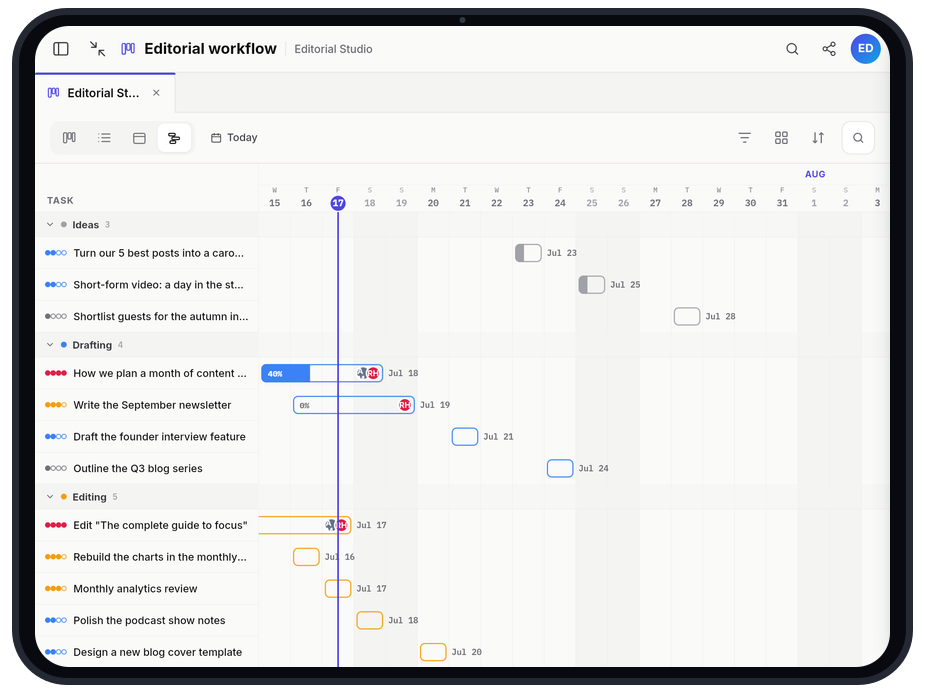
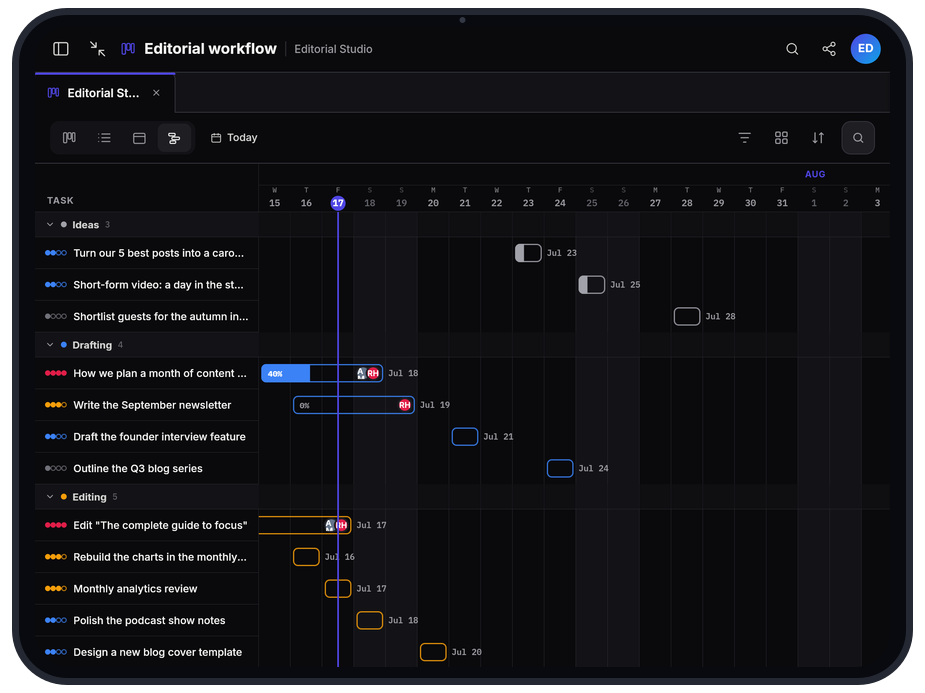
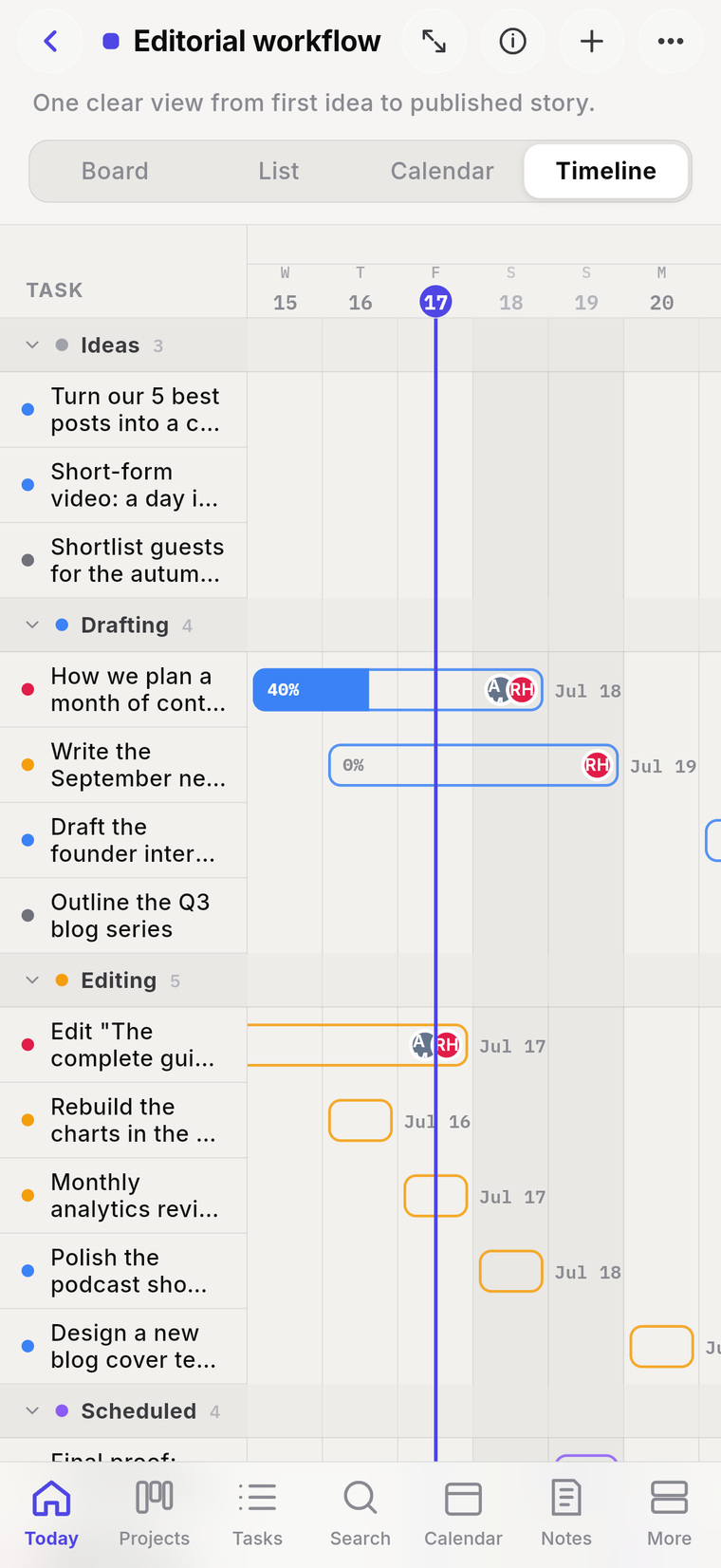
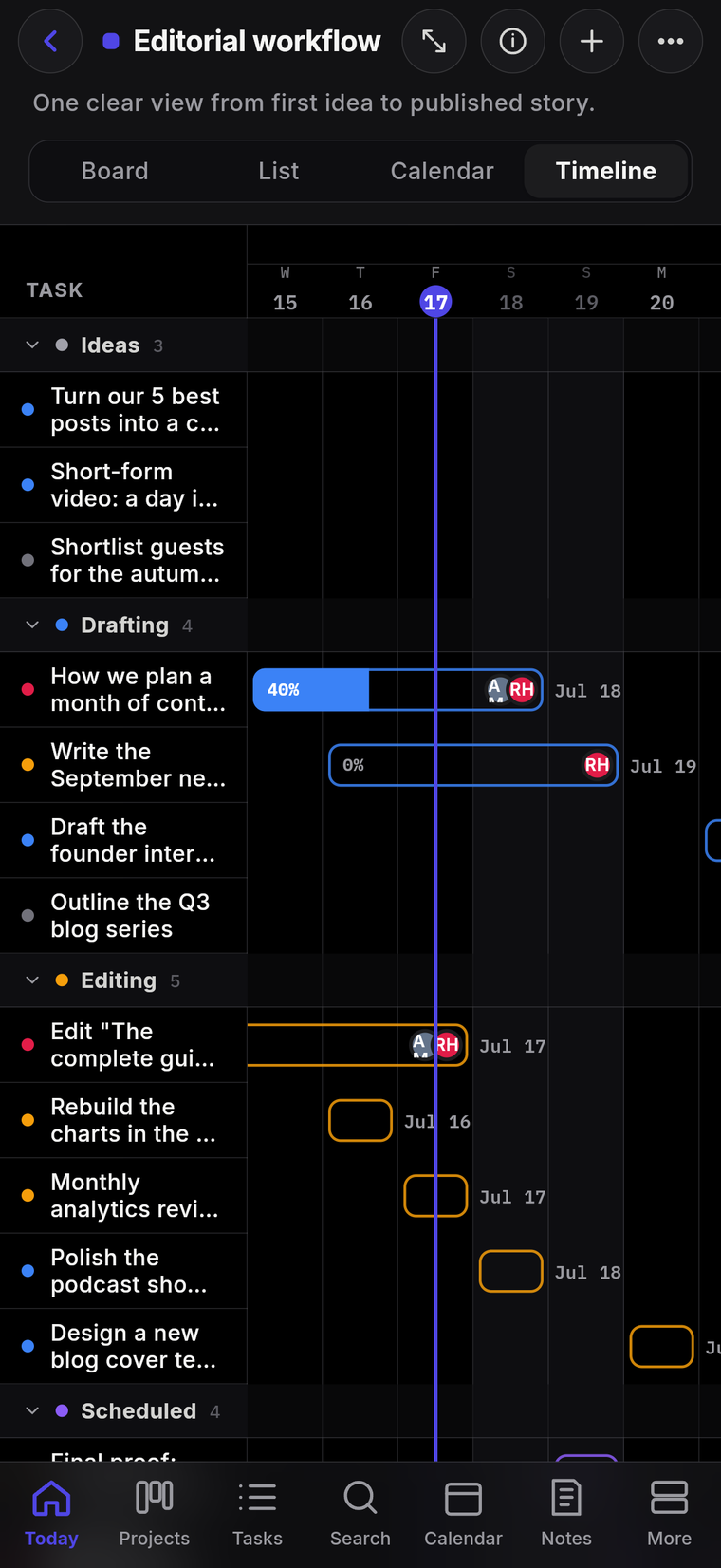
A timeline for everything with a date
Flip any board to a timeline and watch the month lay itself out—durations, overlaps and deadlines visible at a glance, so nothing collides by surprise.
- Gantt-style bars across your dates
- Spot clashes before they happen
- One click from board to timeline
See your time
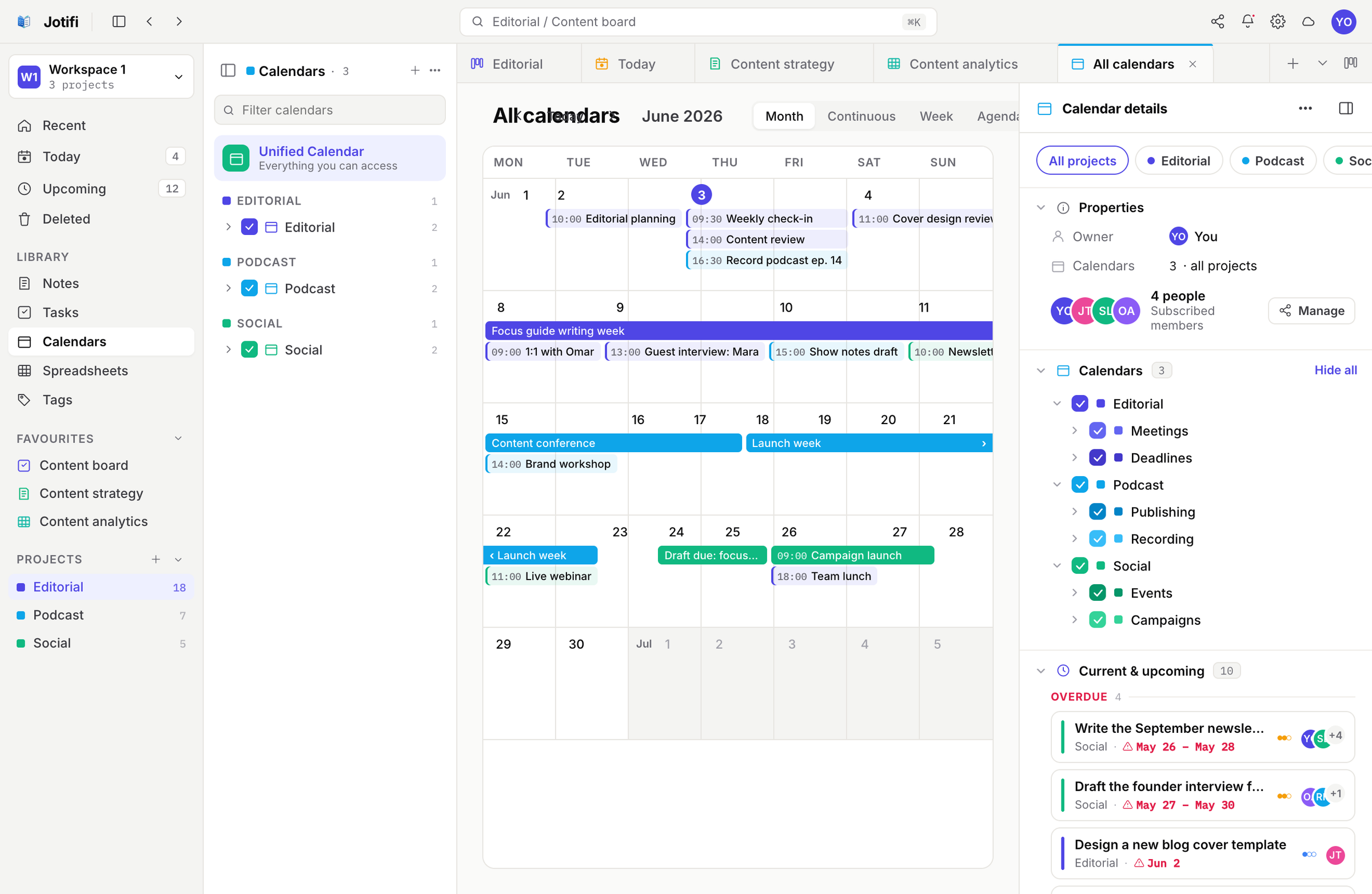
A calendar that knows your tasks
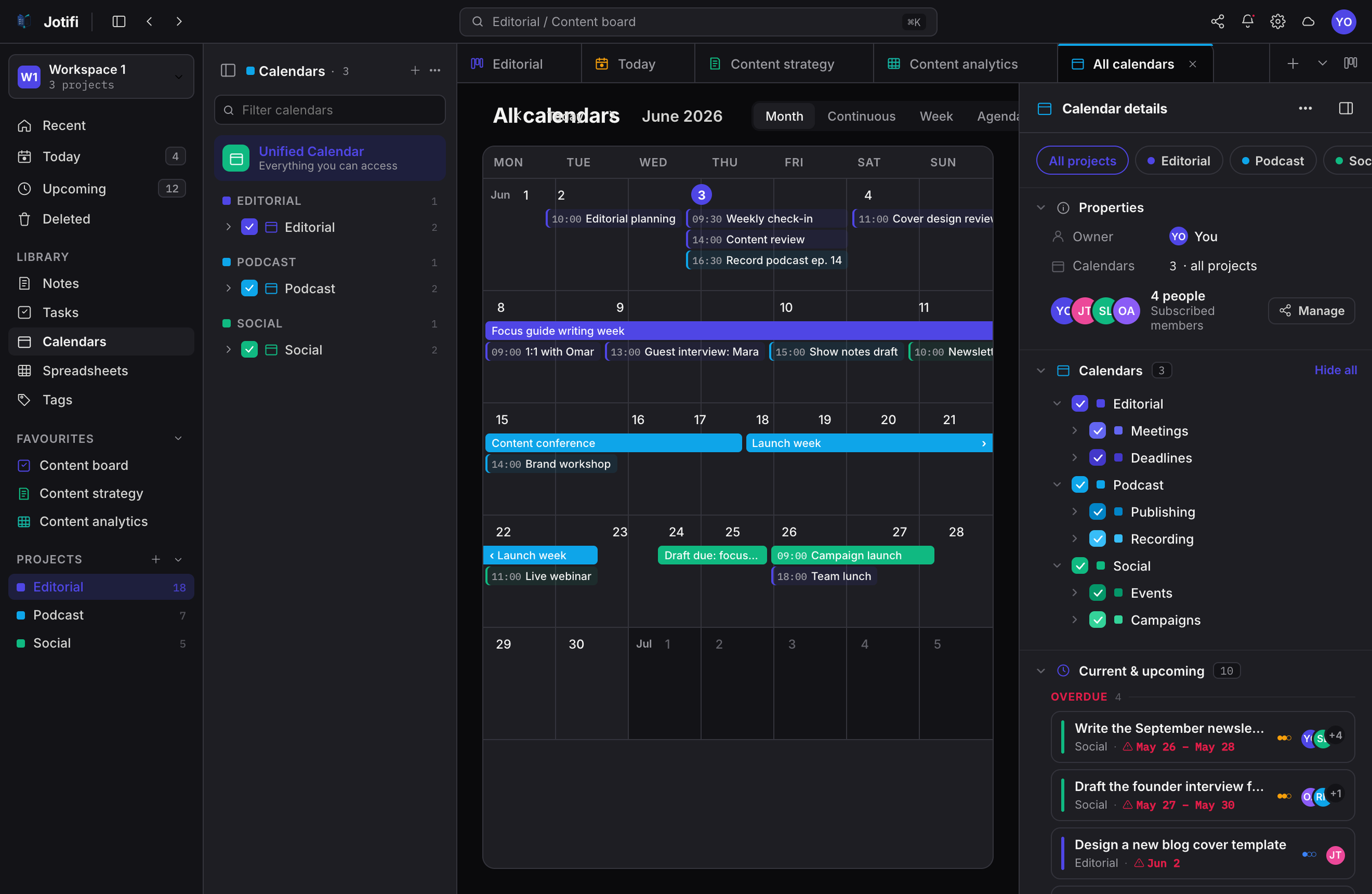
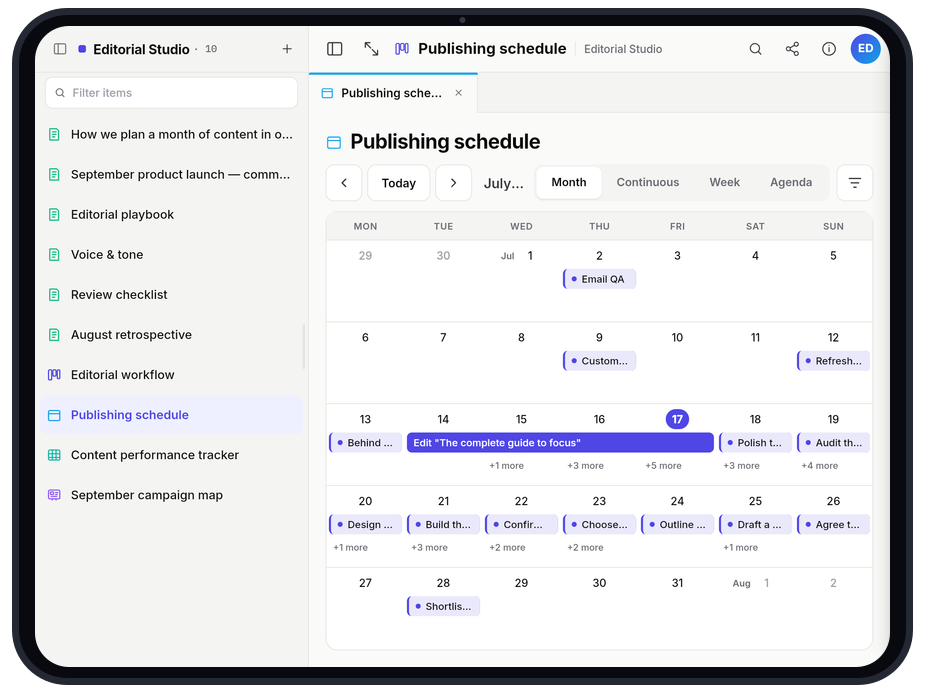
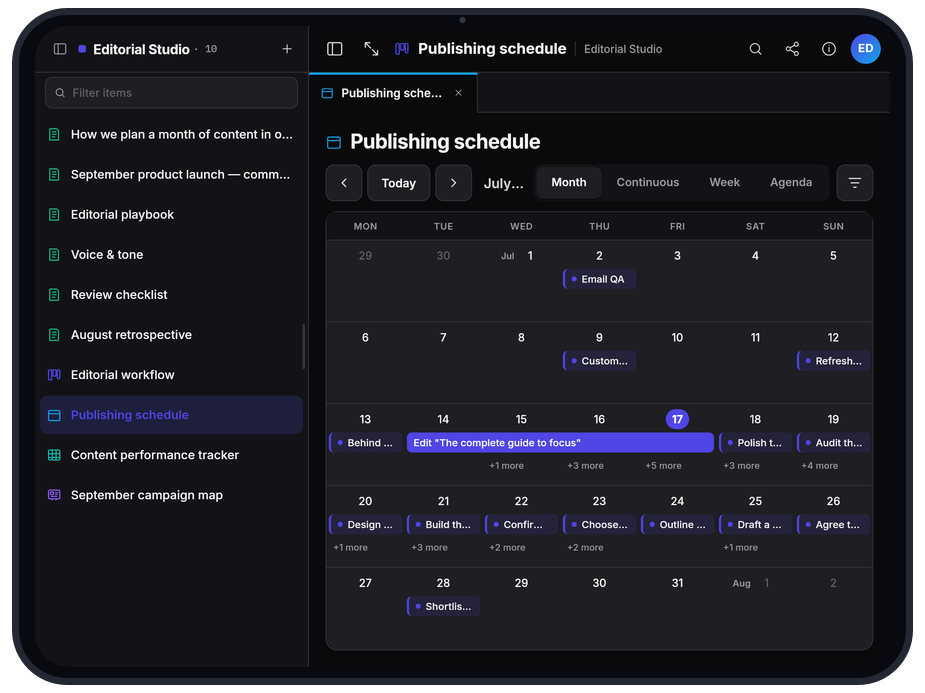
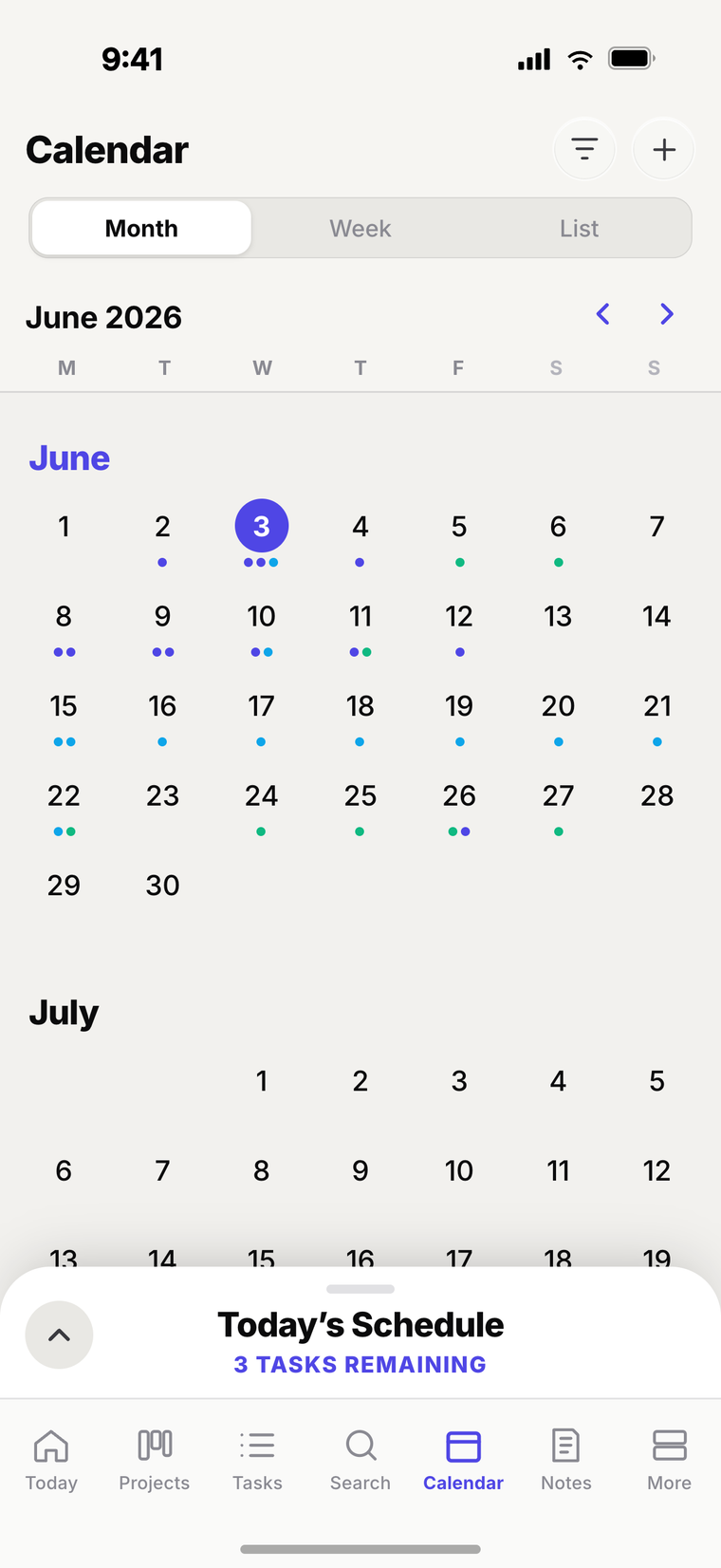
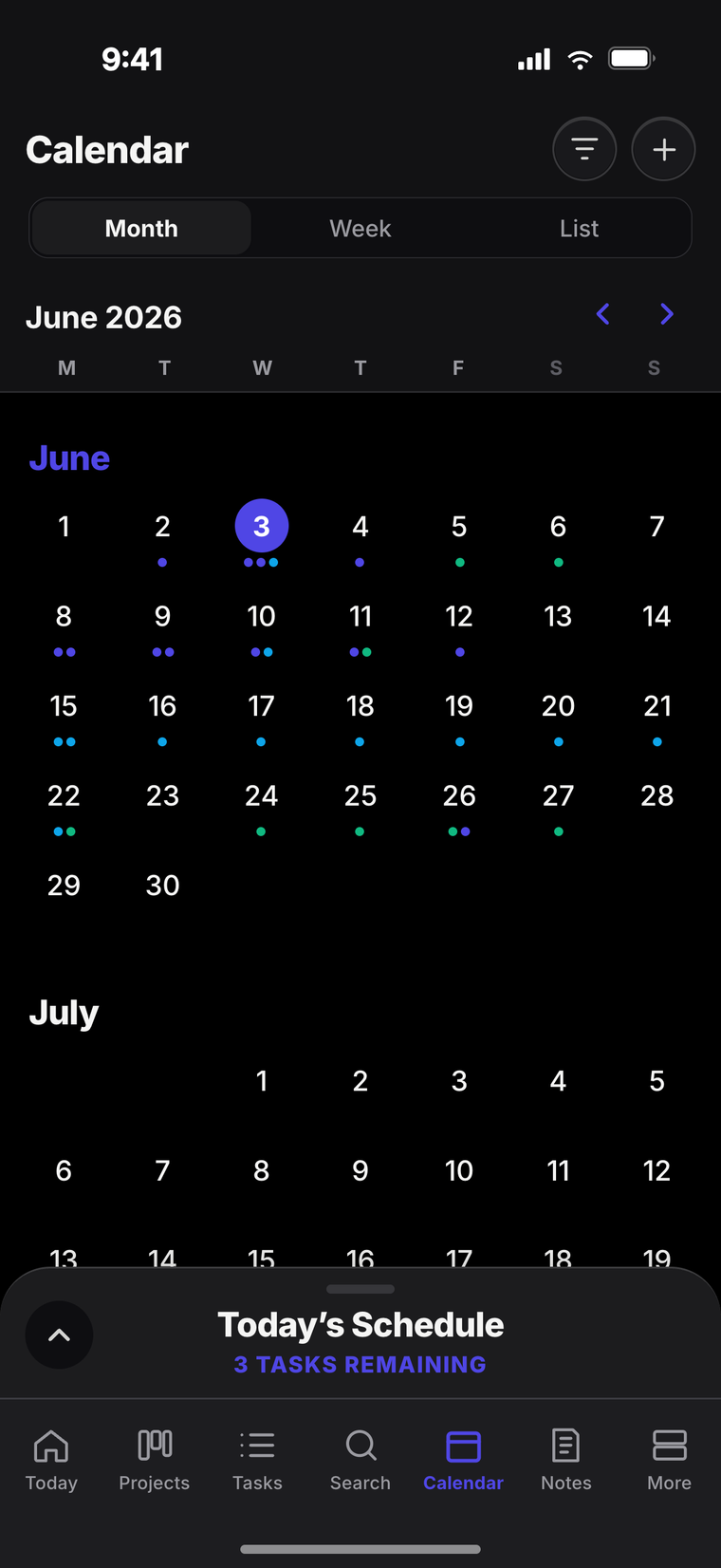
Every task with a date lands on the calendar automatically, colour-matched to its project. Month, week or agenda on the desktop; the same week in your pocket.
- Tasks become events, no double entry
- Month, continuous, week & agenda views
- Your whole week, on every device
Crunch the numbers
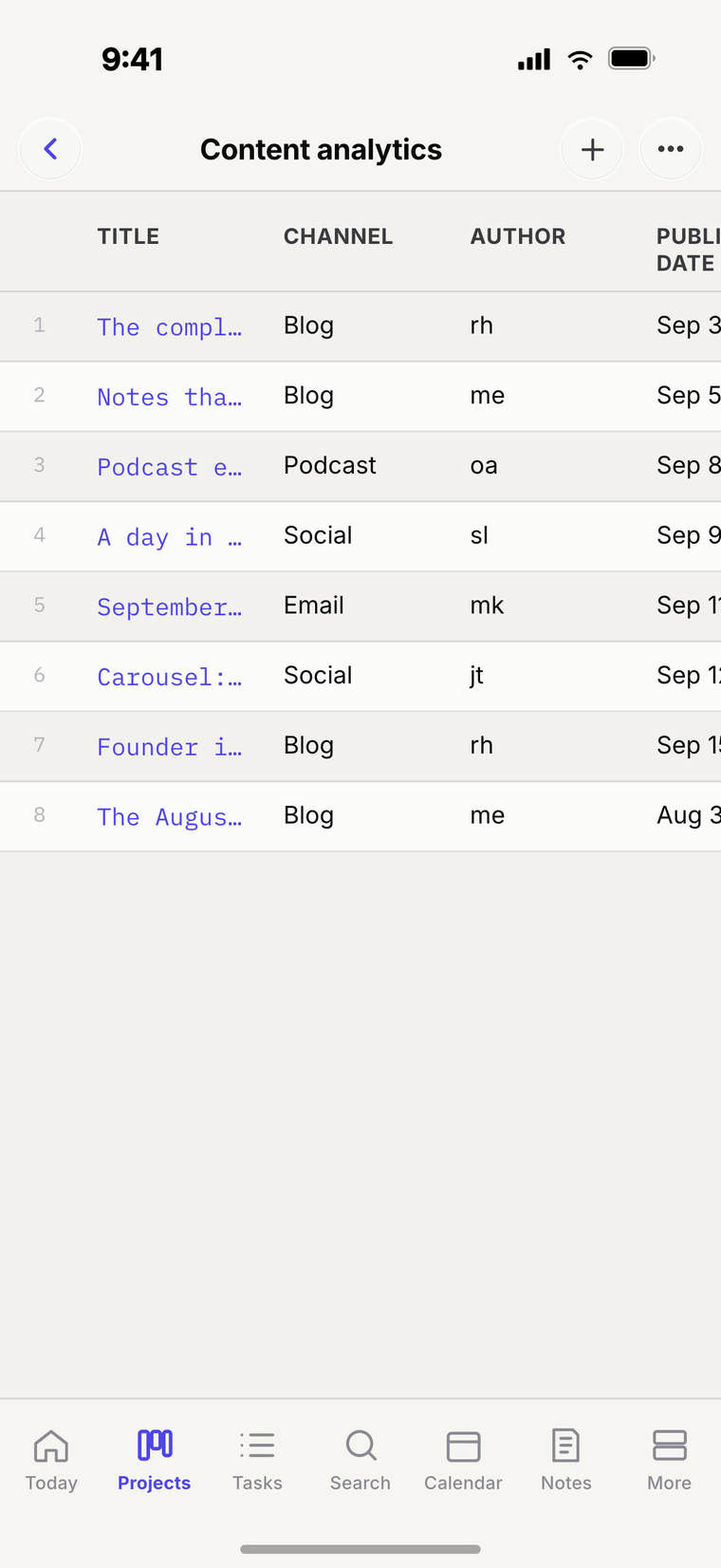
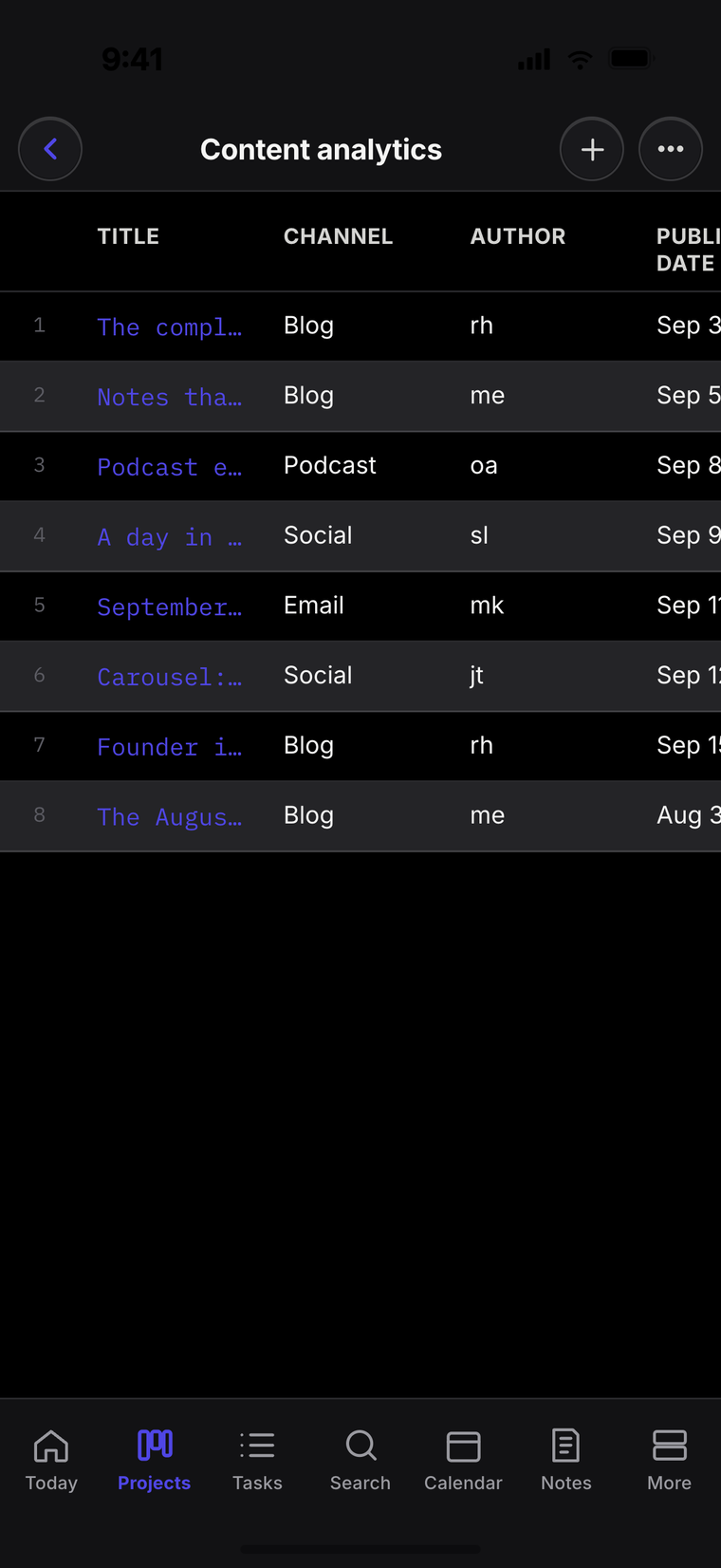
Spreadsheets, built in
Real grids live right next to your notes and boards—formulas, typed columns and big datasets. No second app, no copy-paste.
- Formulas, typed columns & large datasets
- Lives beside your notes, tasks & calendar
- Embed a table inside any note or board

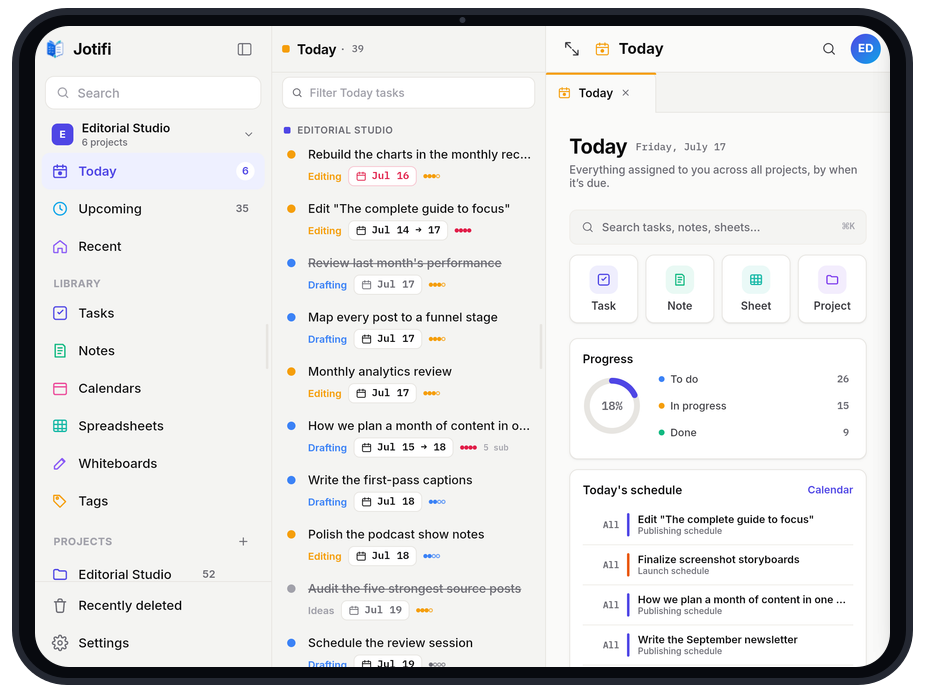
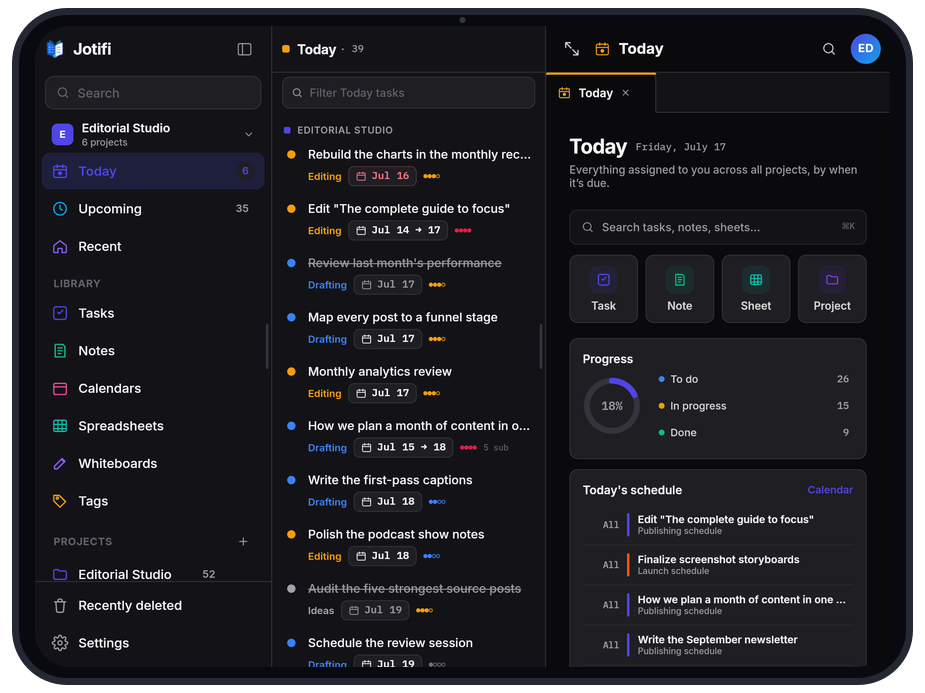
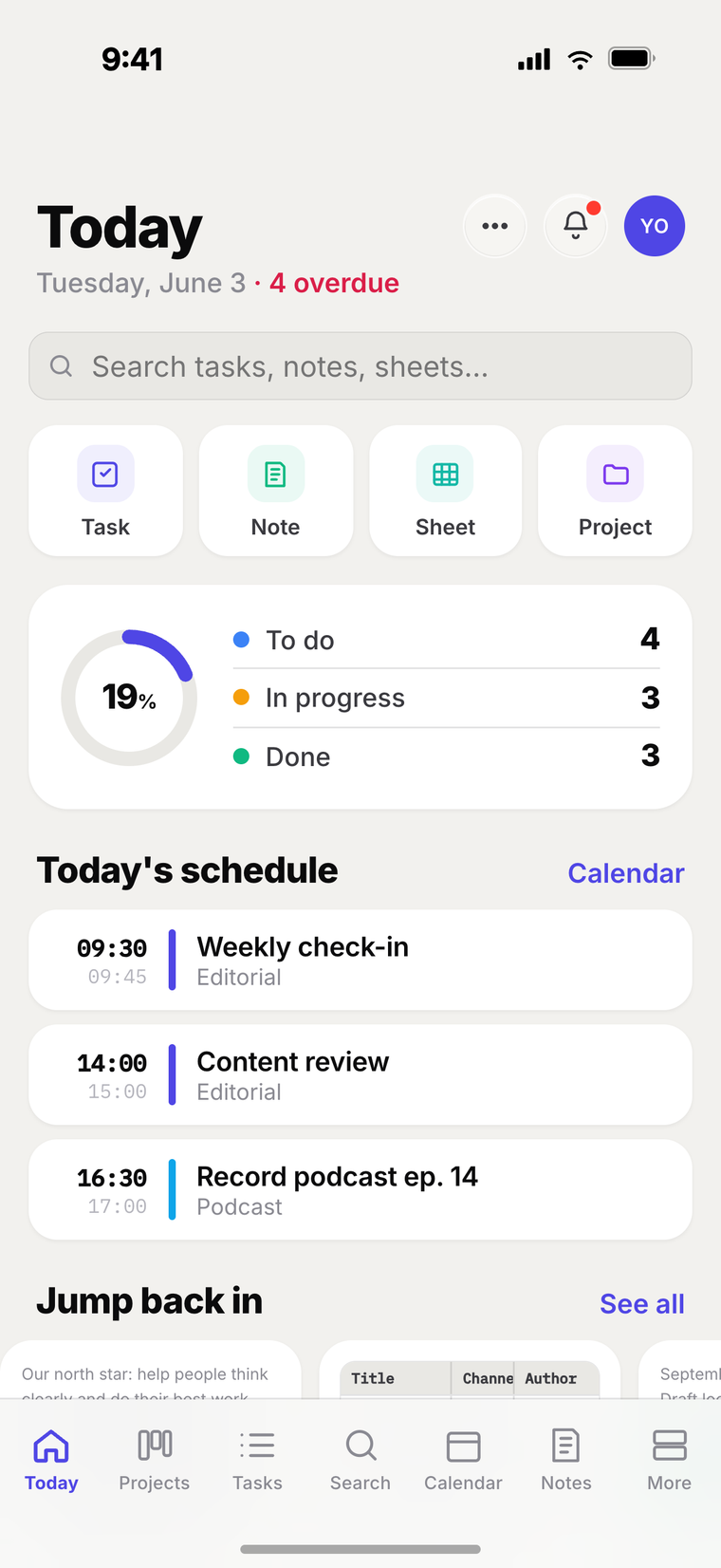
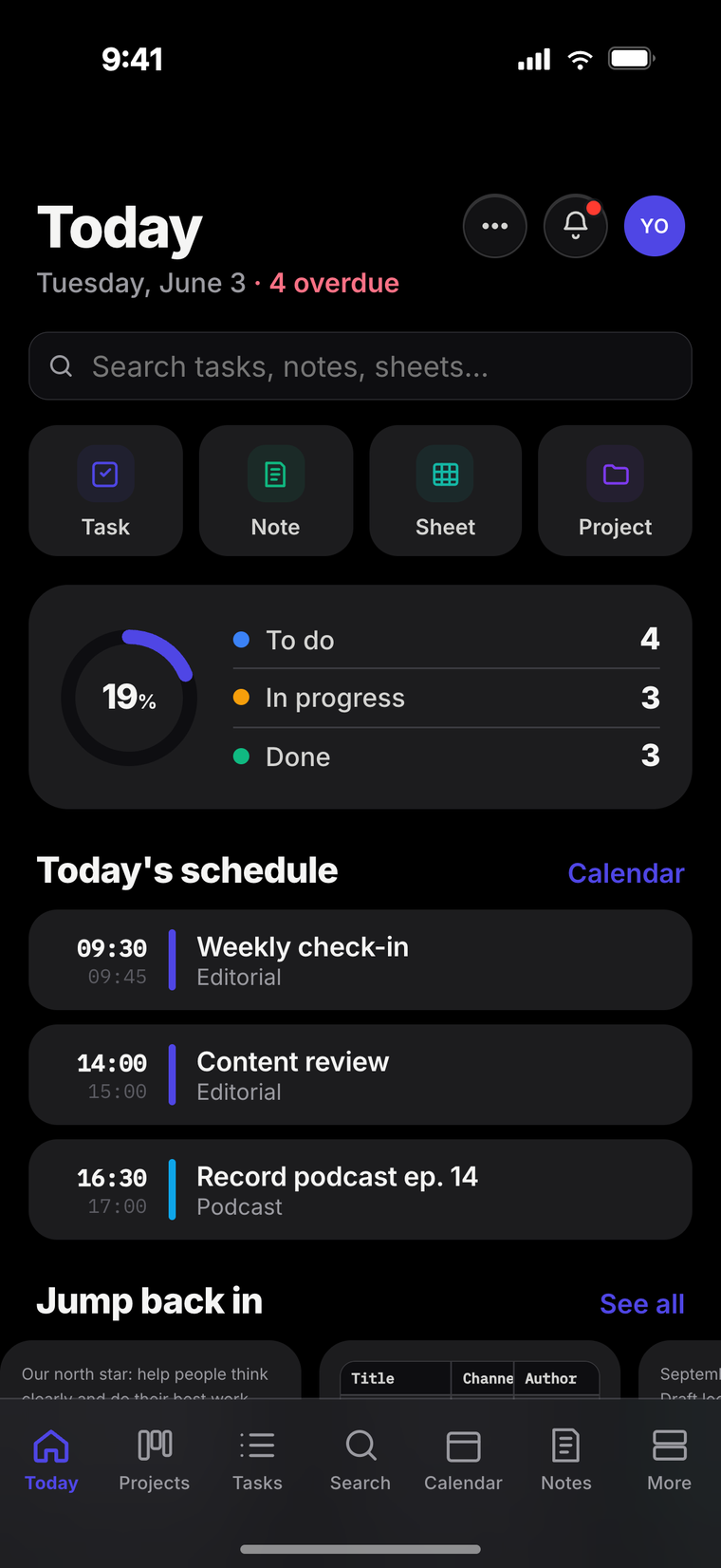
Plan your day
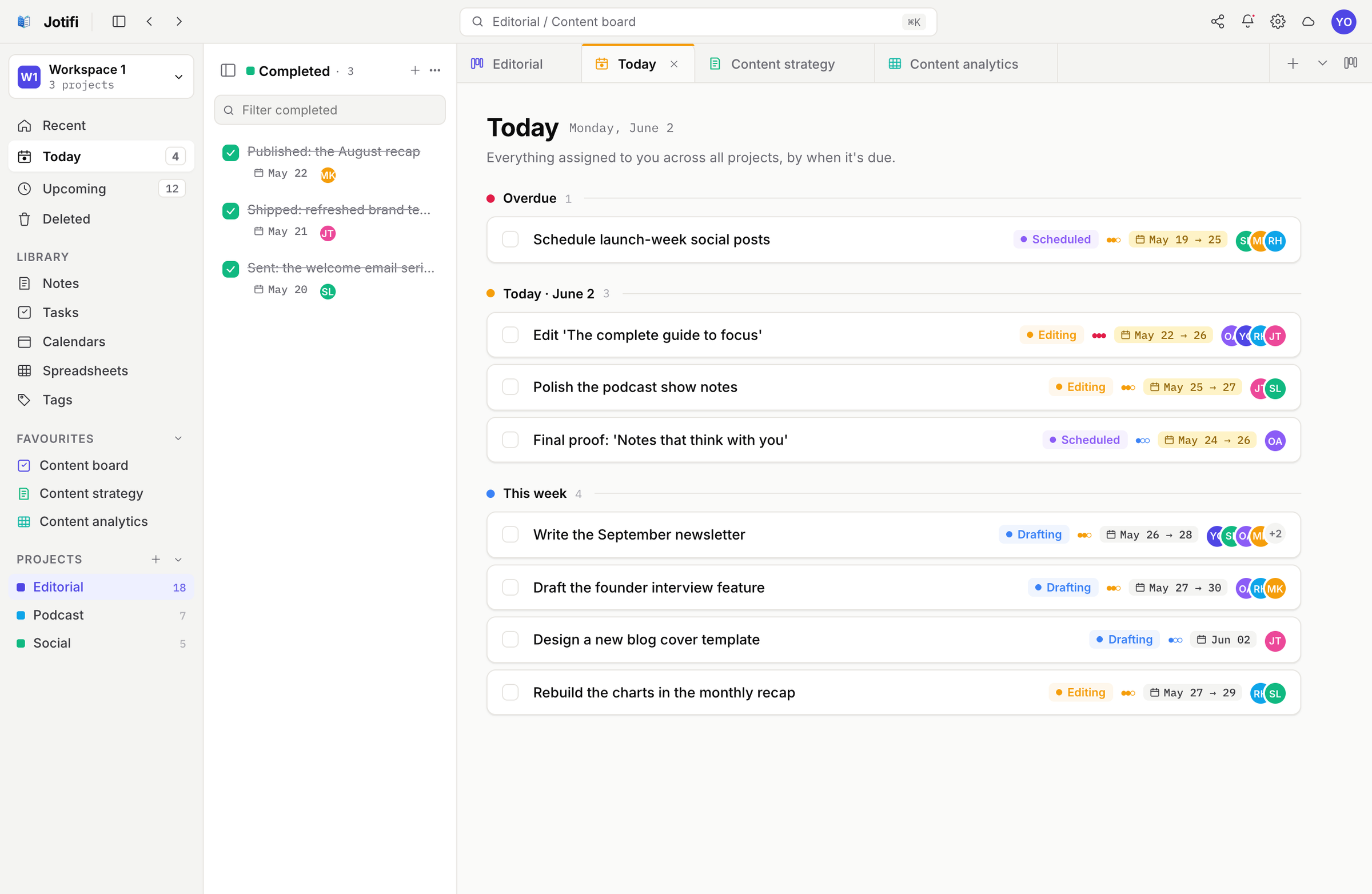
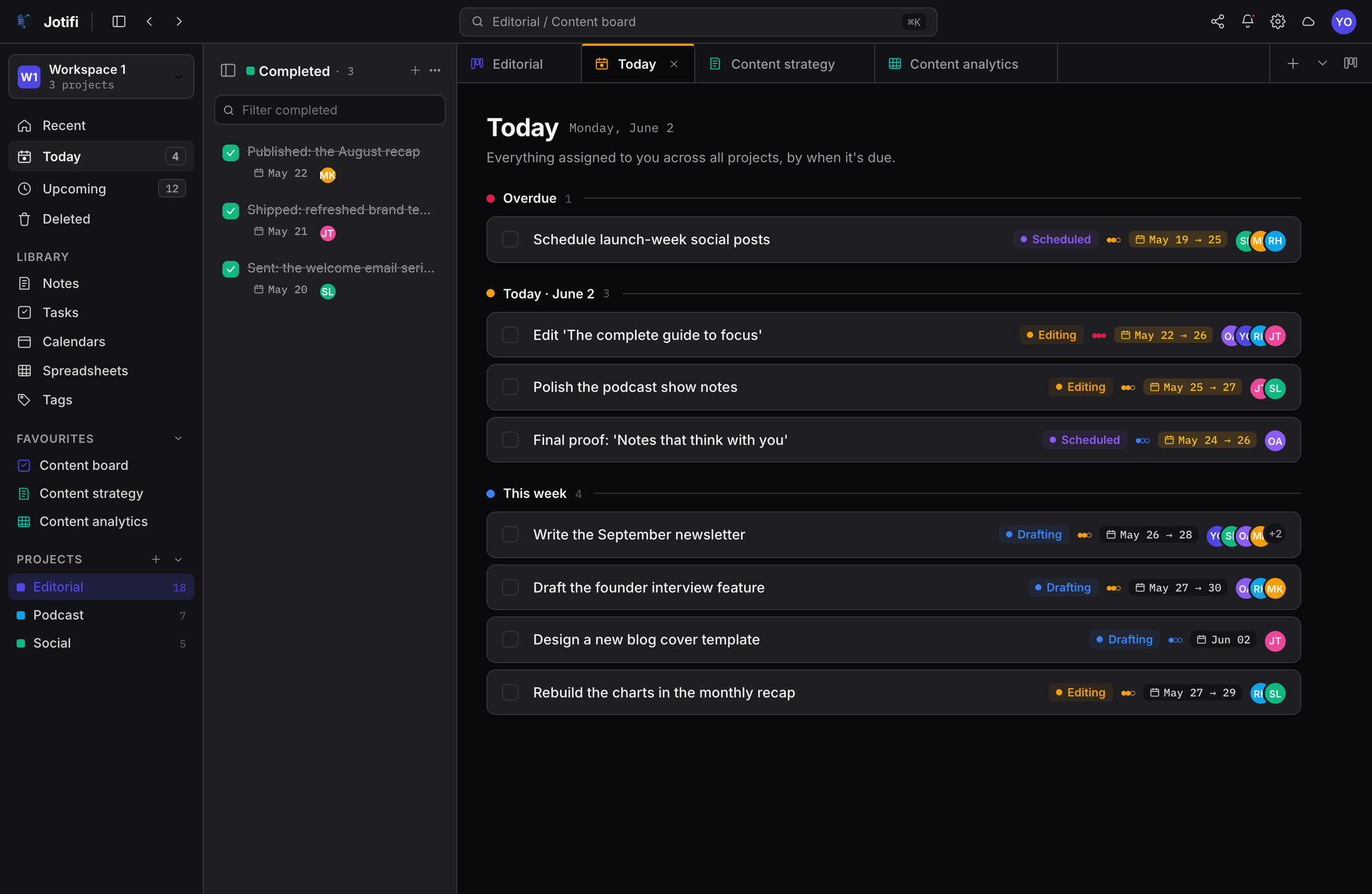
Everything due, exactly when it's due
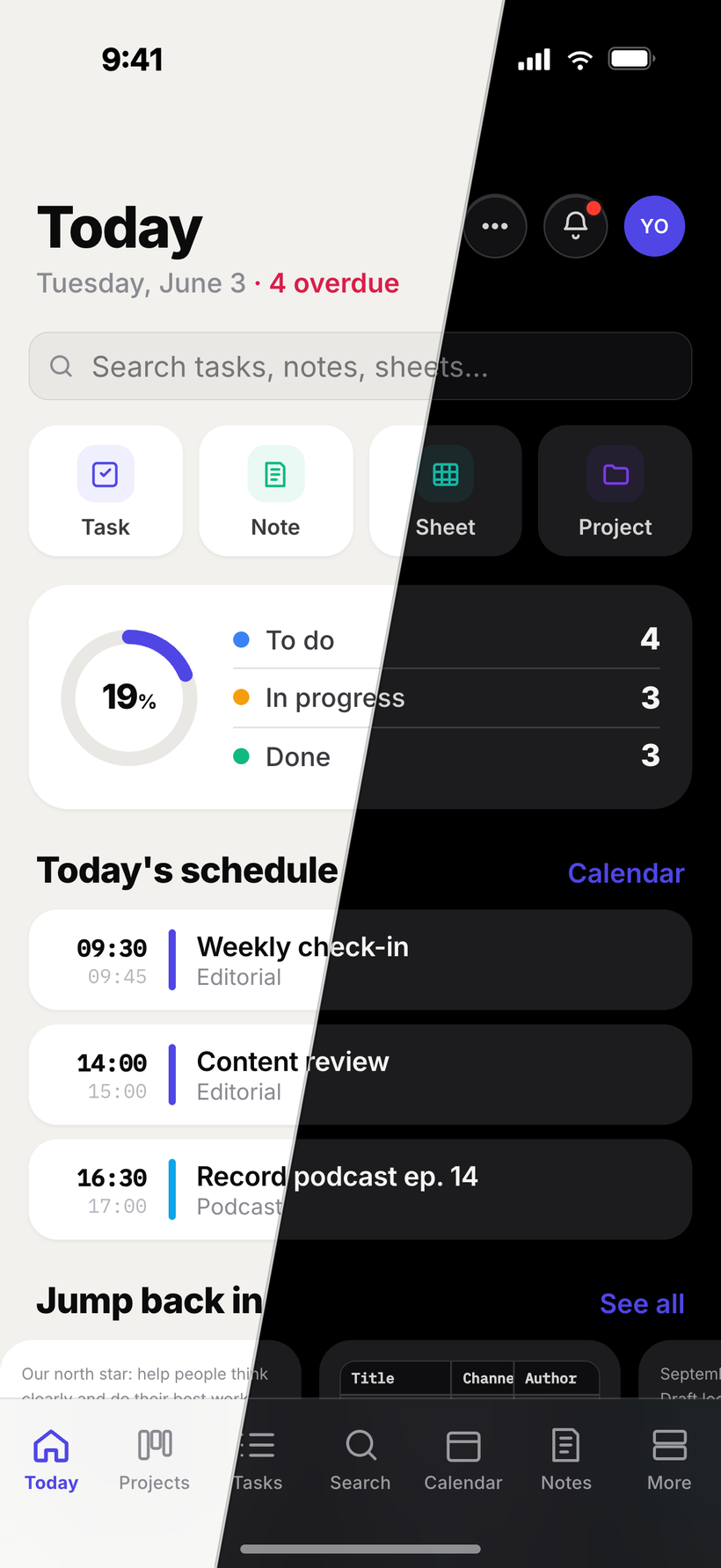
Your Today view rolls up what's overdue, due today and coming this week into one focused list—on your desk and in your pocket, always in sync.
- Overdue, today & upcoming at a glance
- Priorities, due dates & assignees
- The same focused list on mobile
Share & collaborate
Work together, in real time
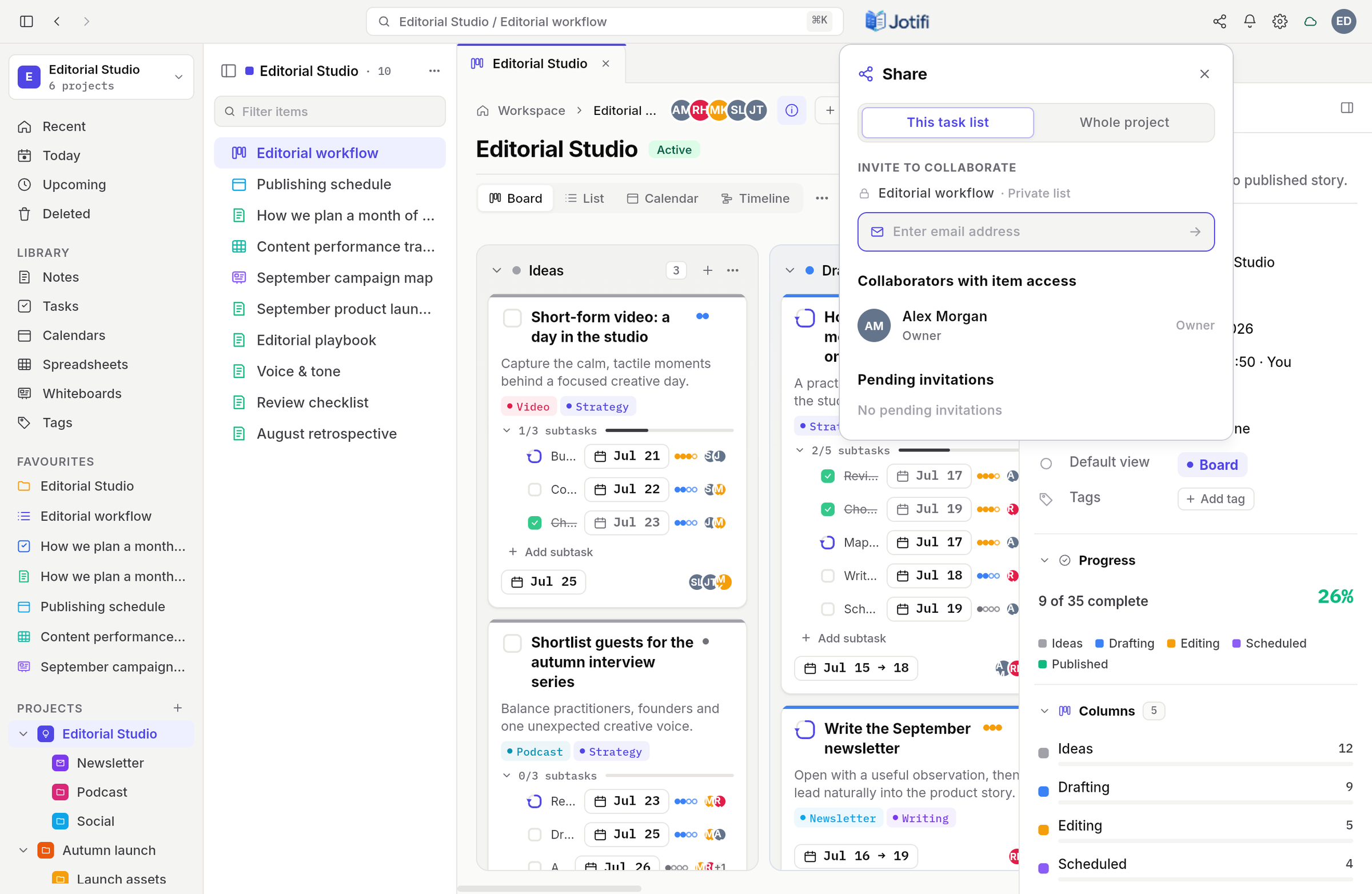
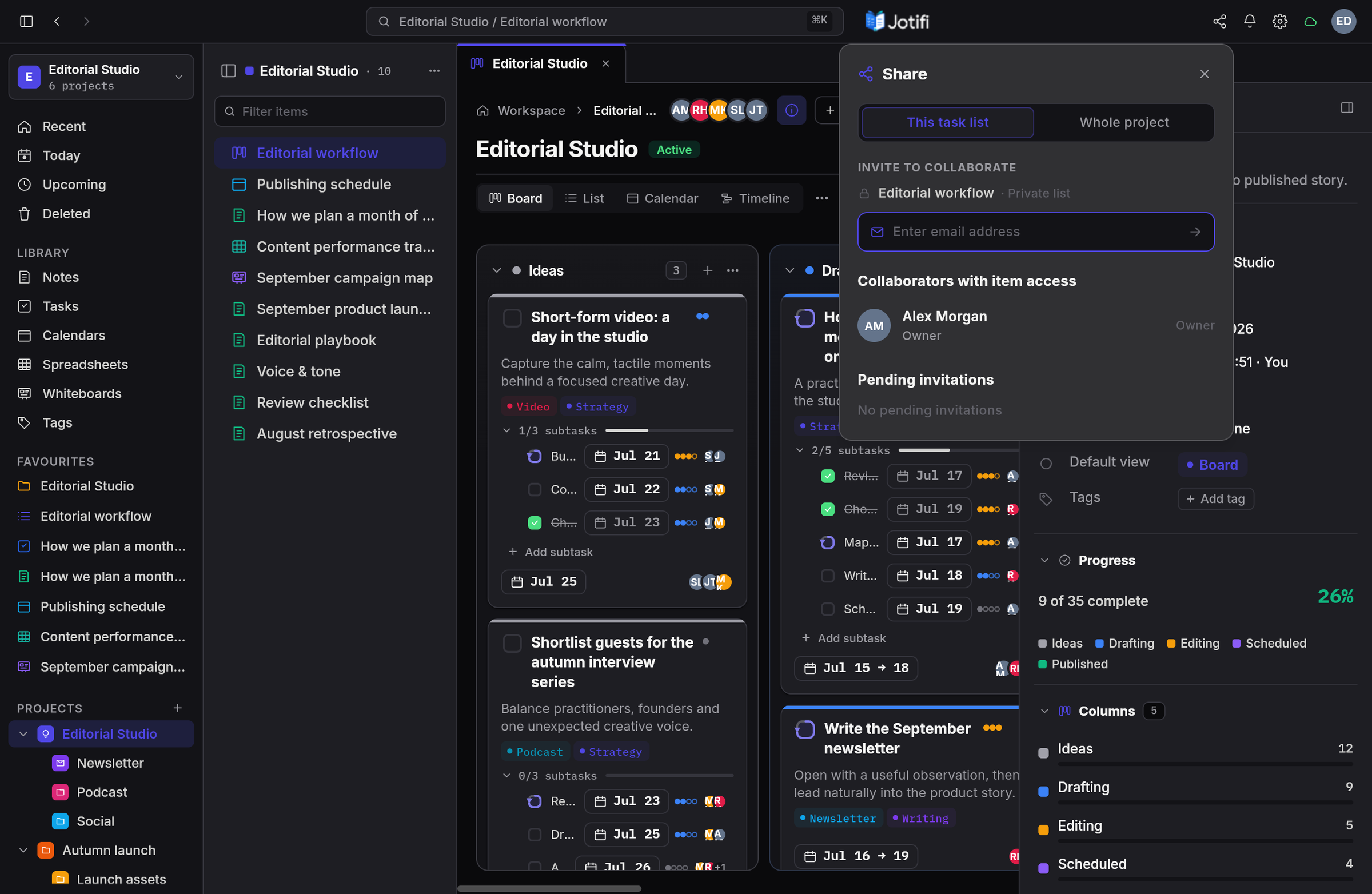
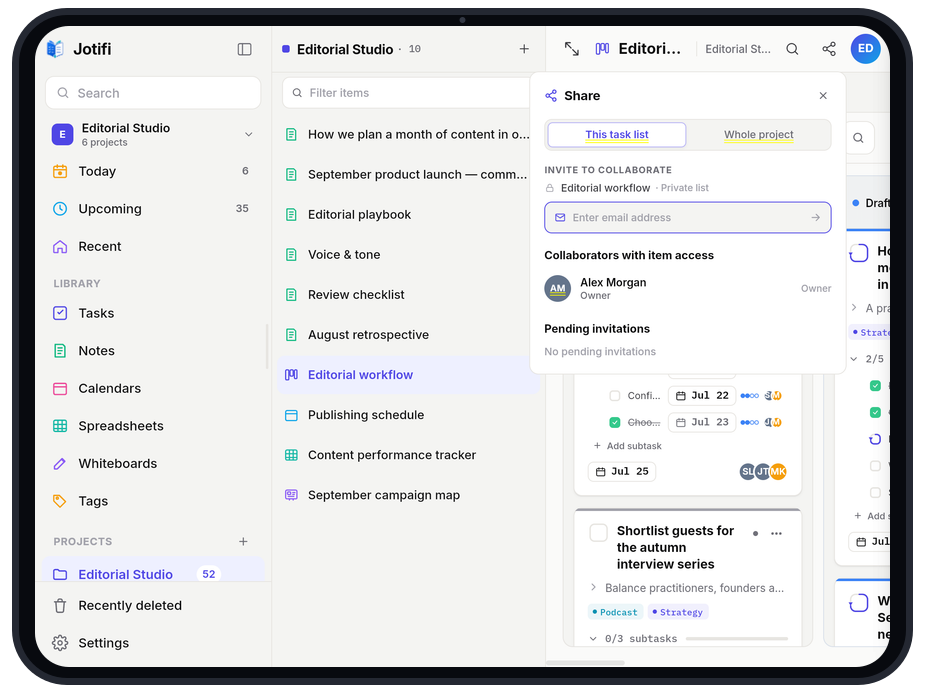
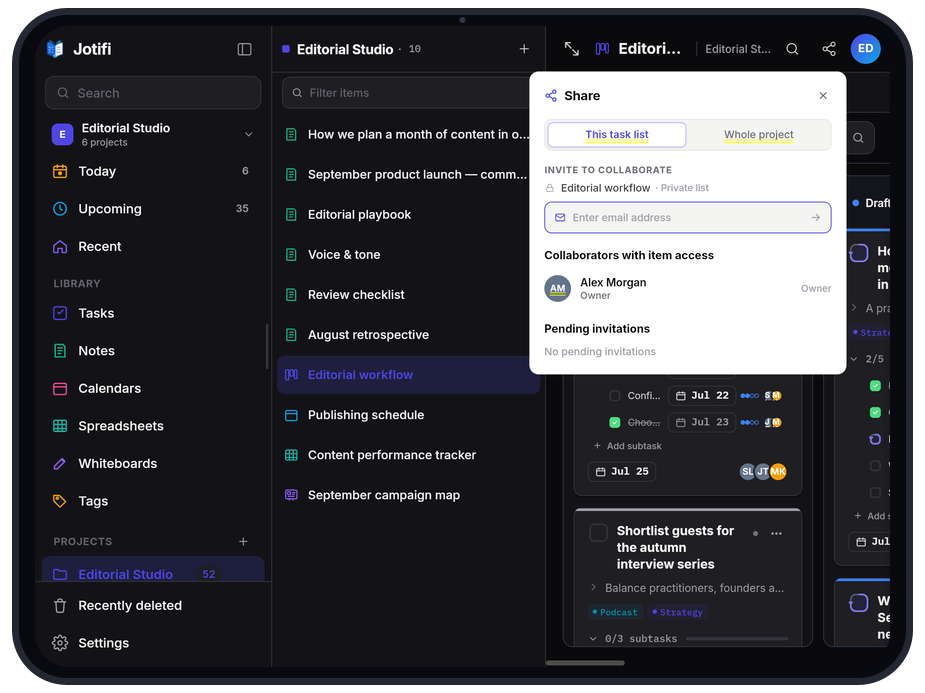
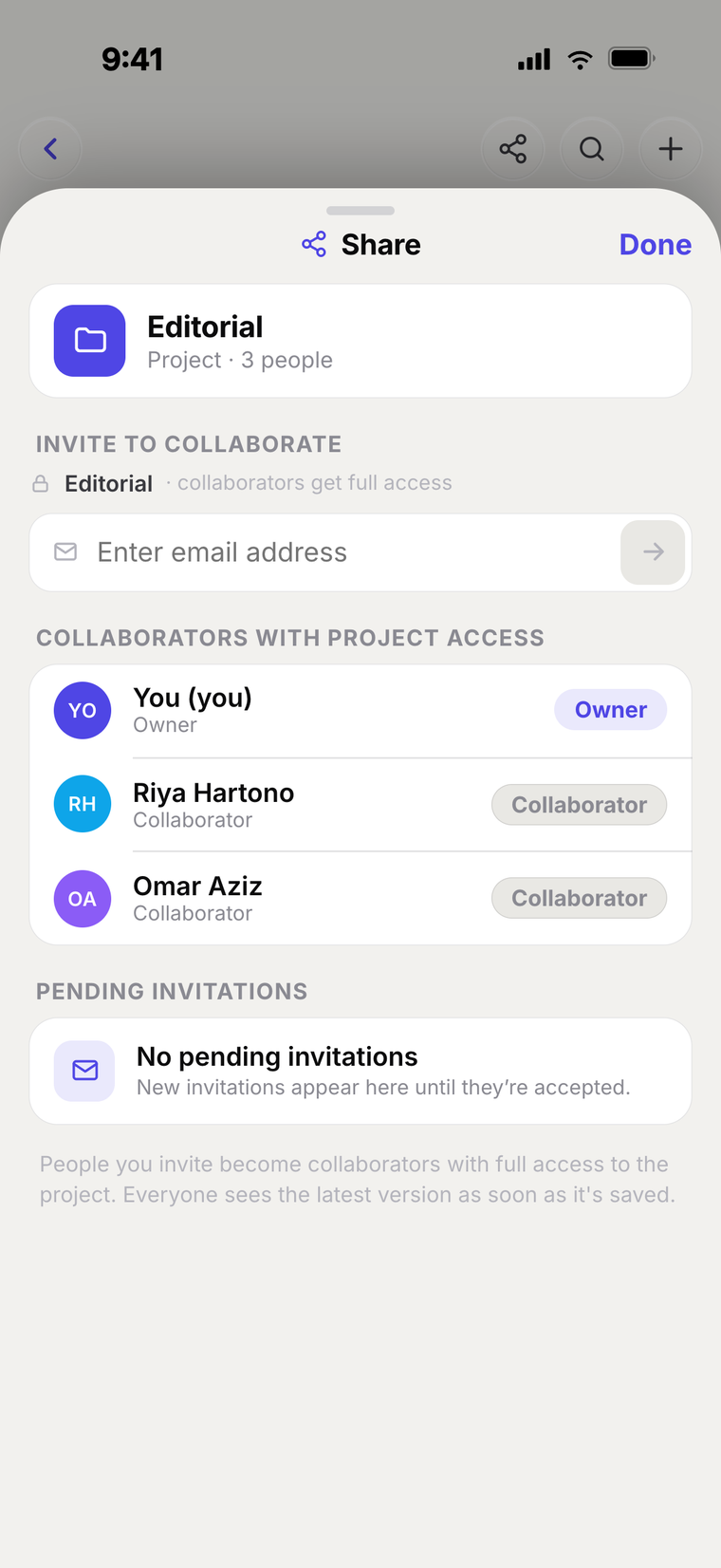
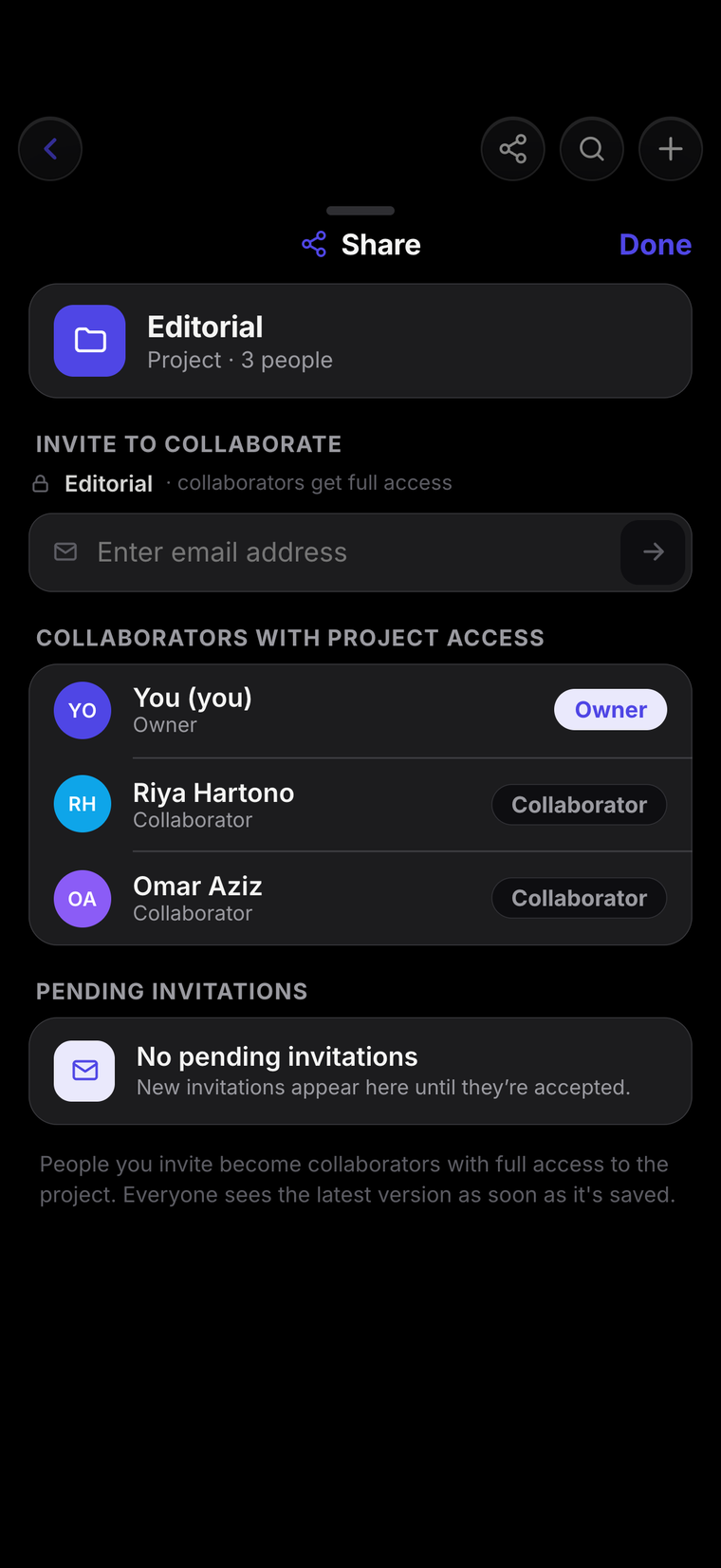
Invite anyone to a project and edit side by side—new tasks, notes and edits appear the instant they're made. Give each person full access or read-only.
- Invite by email, with a role per person
- Everyone's edits appear instantly
- Manage who can see what, from any device
Always in sync
Every device, the same workspace
Start on your laptop, finish on your phone. Jotifi syncs instantly across all your devices and keeps working offline—your changes land the moment you're back online.
- Instant sync across desktop, web & mobile
- Offline-first—never lose a keystroke
- Pick up exactly where you left off
Built for privacy
Protected wherever you work
Jotifi combines encrypted connections, encrypted storage and layered access controls to protect your work across every device.
- TLS-encrypted connections in transit
- Encrypted databases and content stored as ciphertext
- Secure sign-in with workspace-level access controls
Jotifi cloud
Protected storage
Work in parallel
Open as many windows as you need
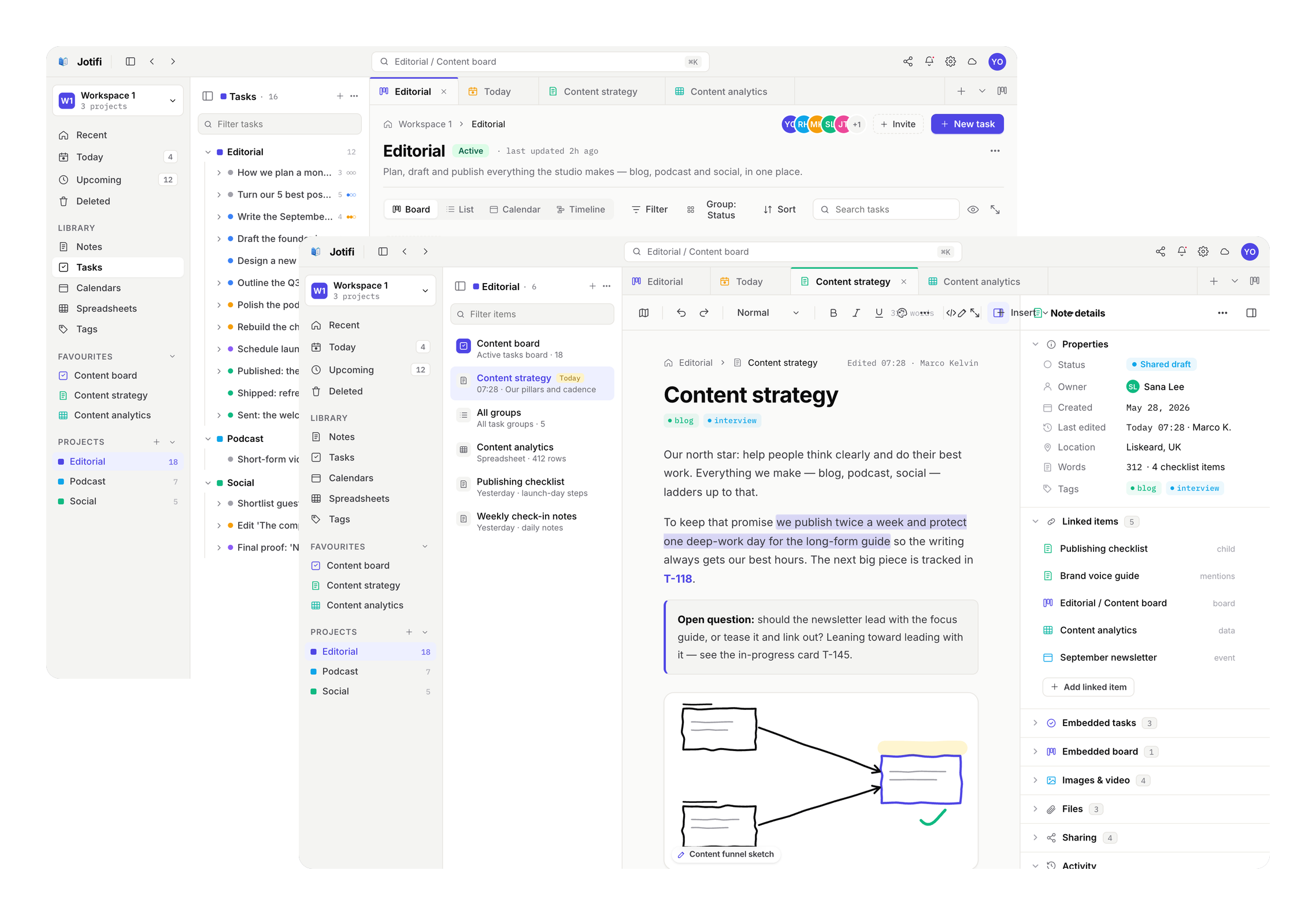
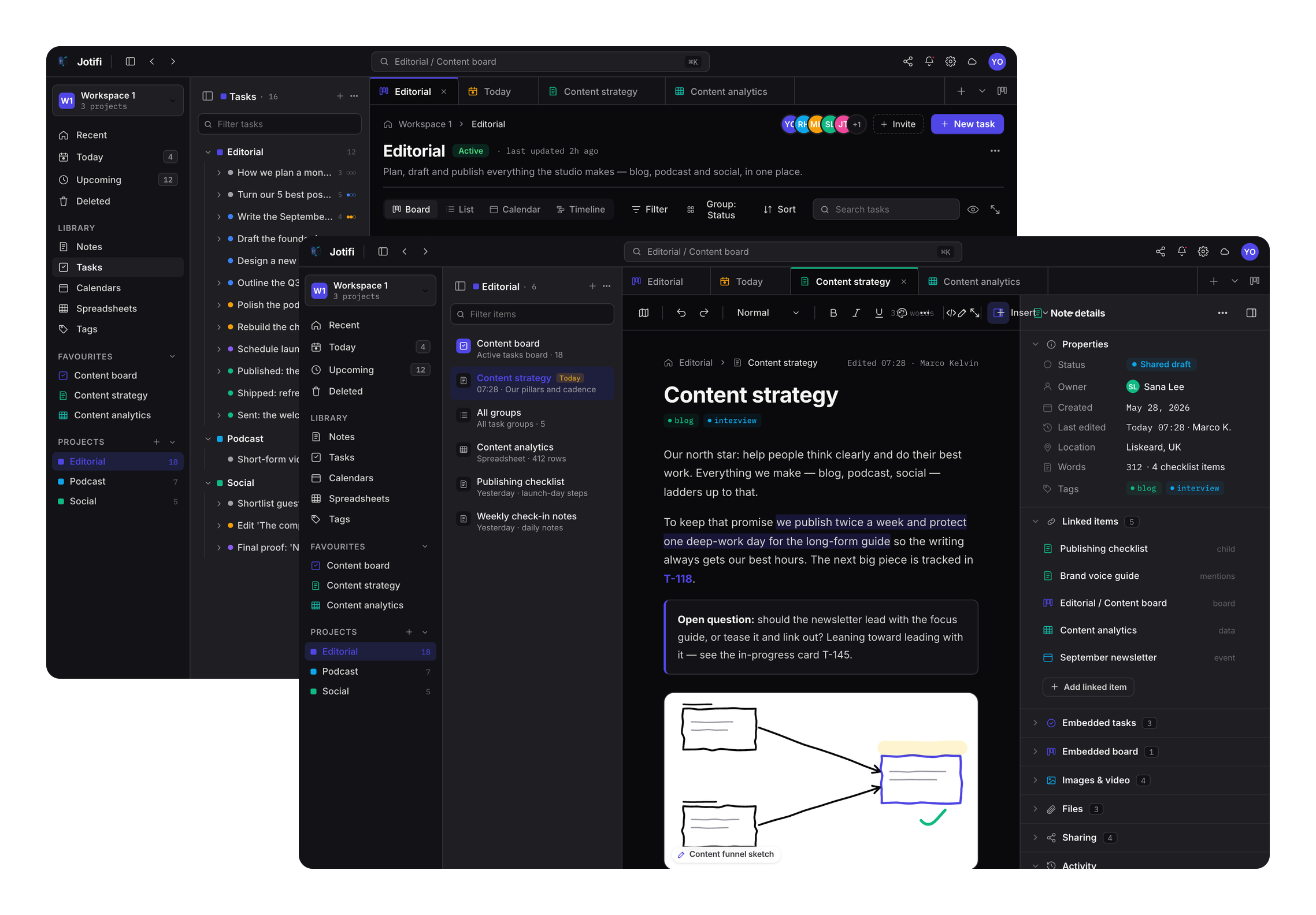
Pop any note, board or calendar into its own window and work across them side by side. Drag notes, tasks, cards or files from one window straight into another—a real desktop app, because it is one.
- Tear off any tab into its own window
- Drag notes, tasks, files & more between windows
- Native on macOS and Windows
Keep things separate
A workspace for every part of life
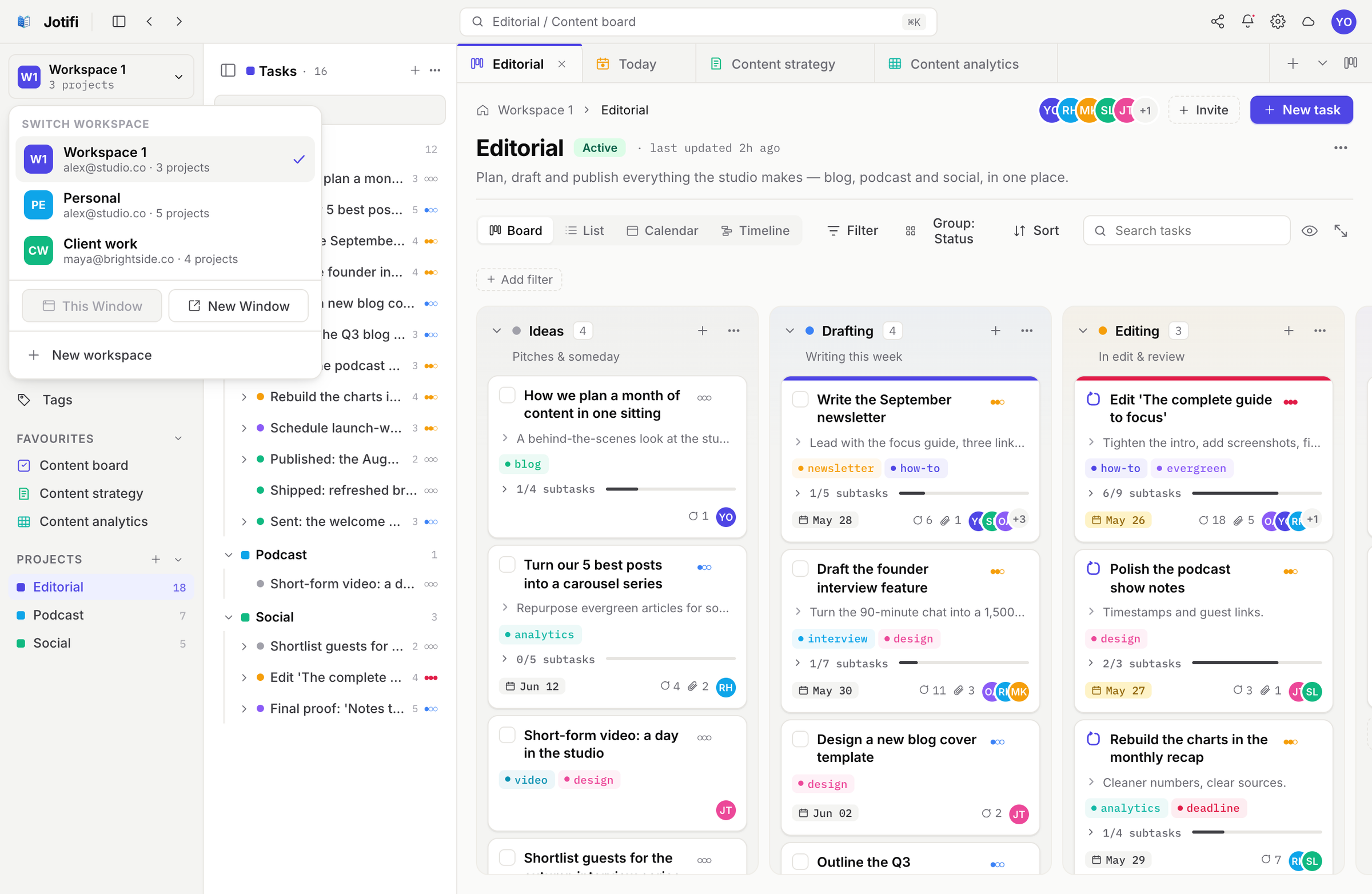
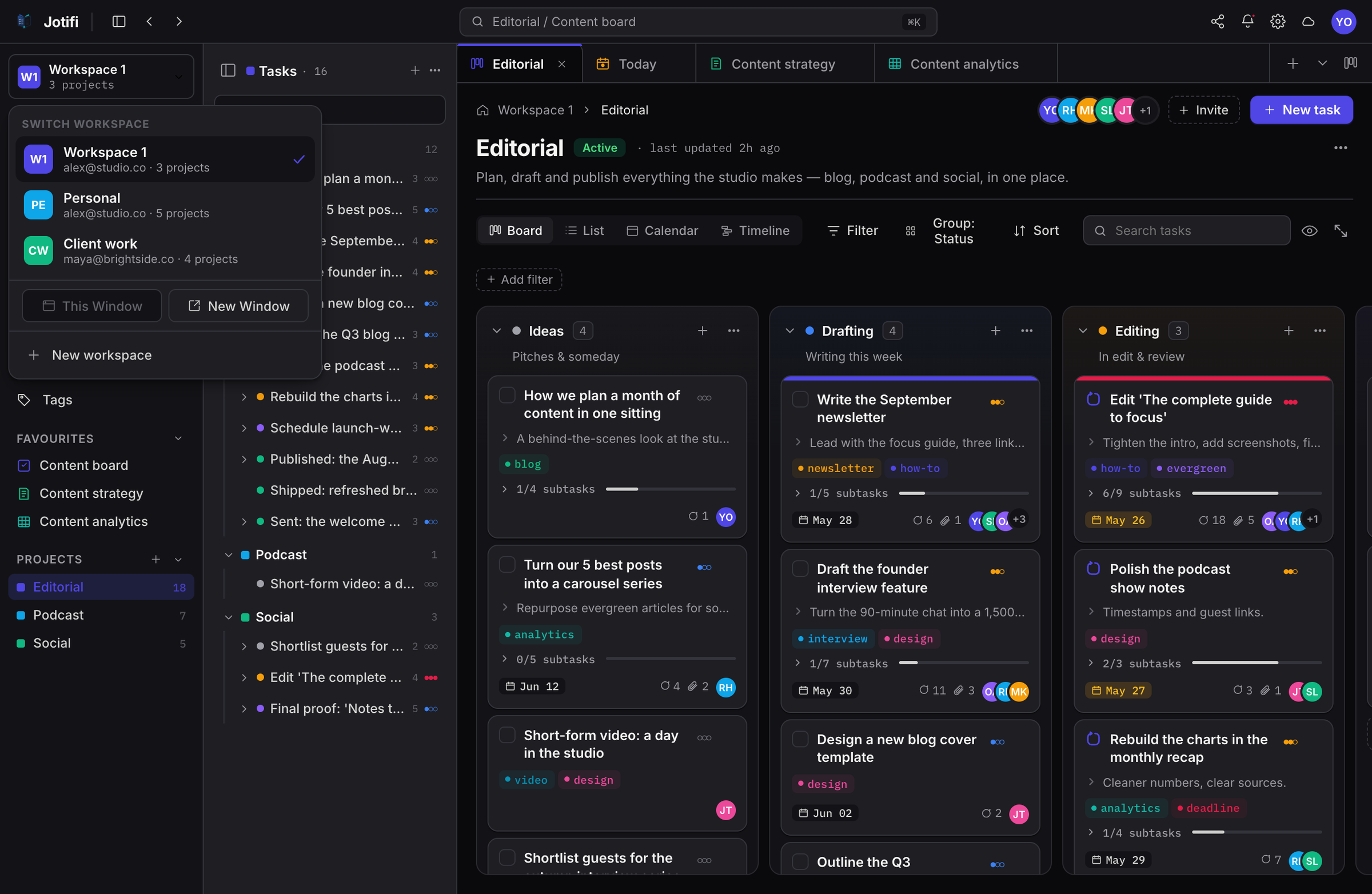
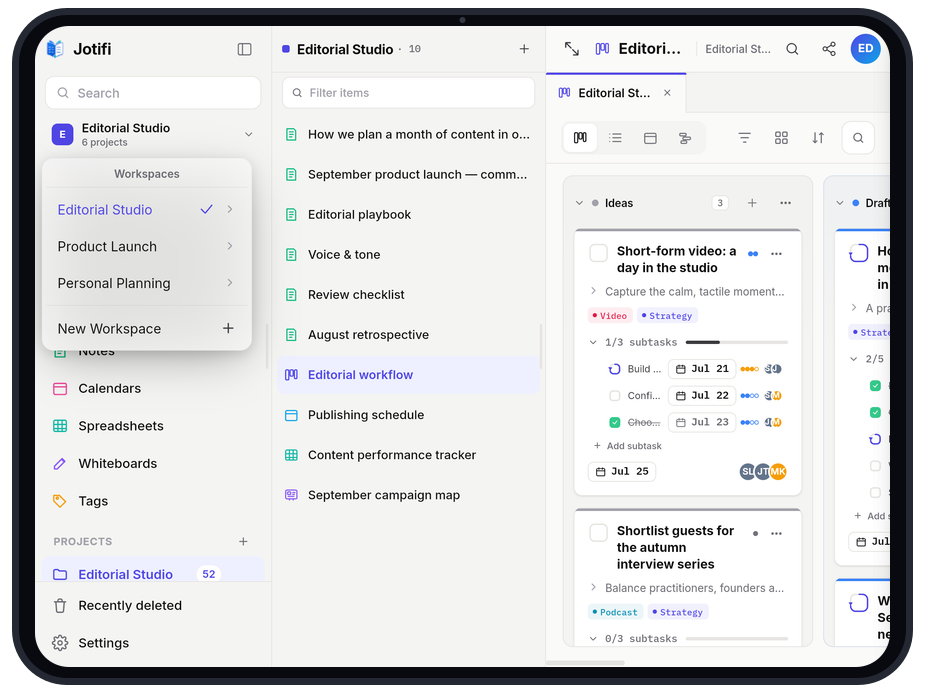
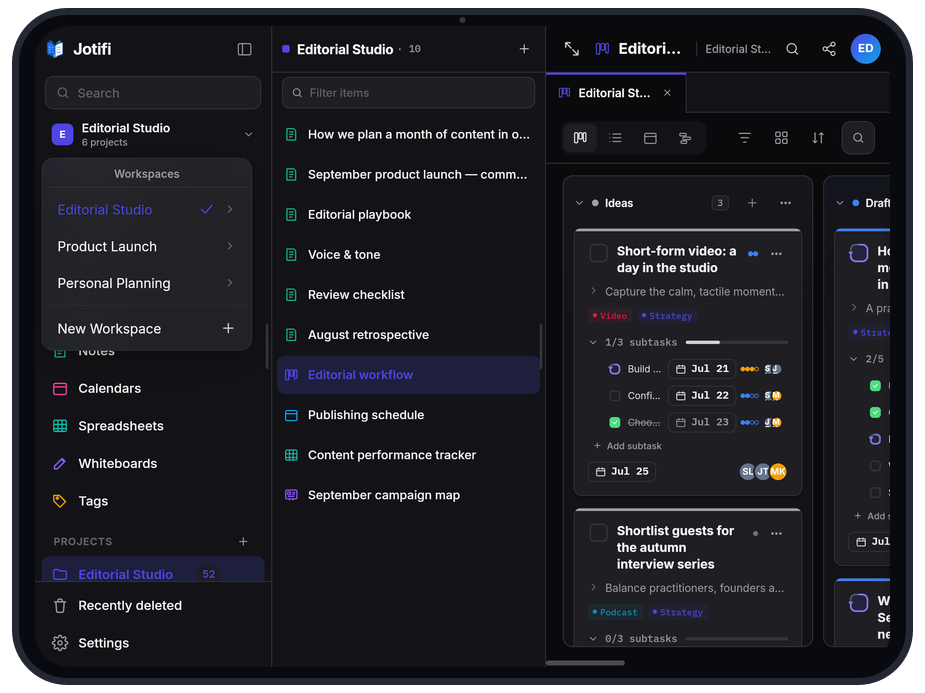
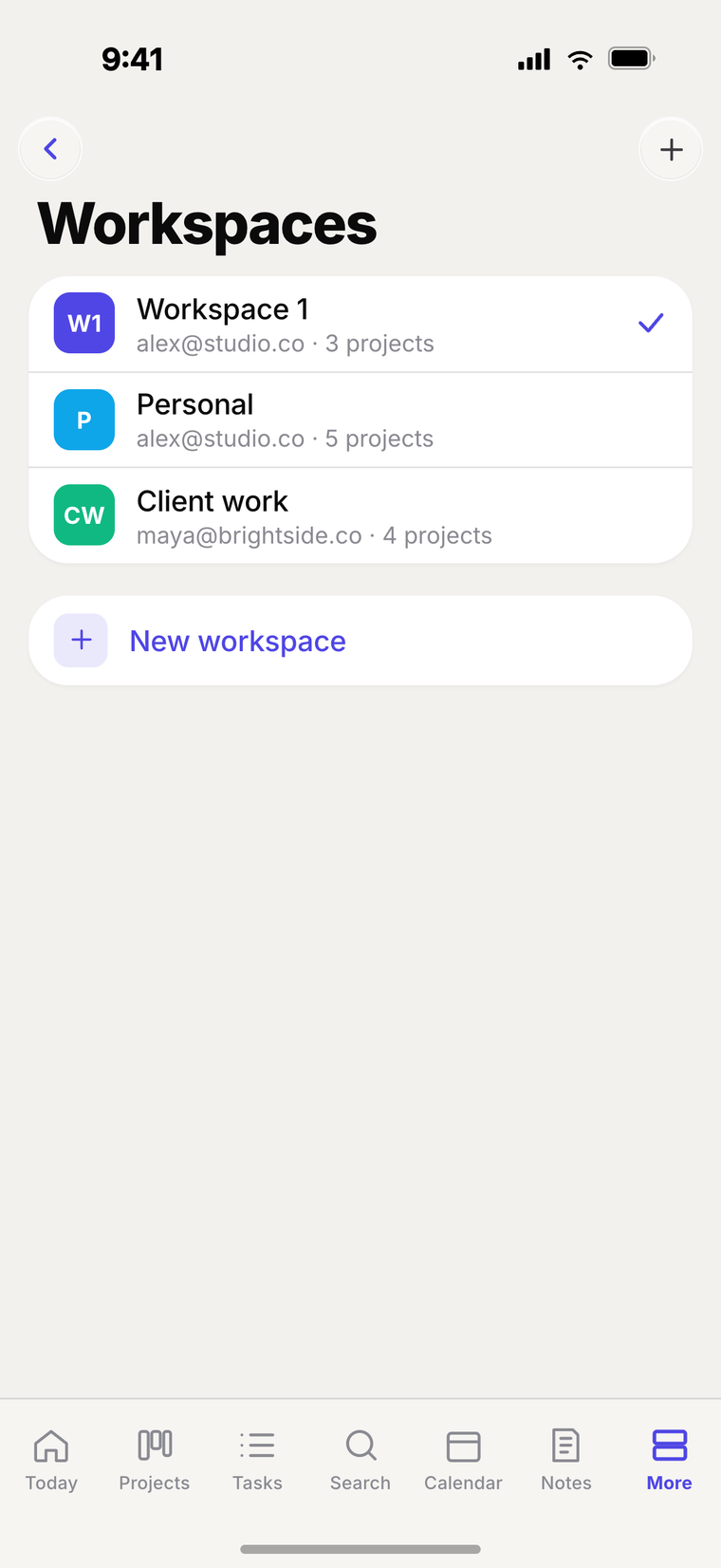
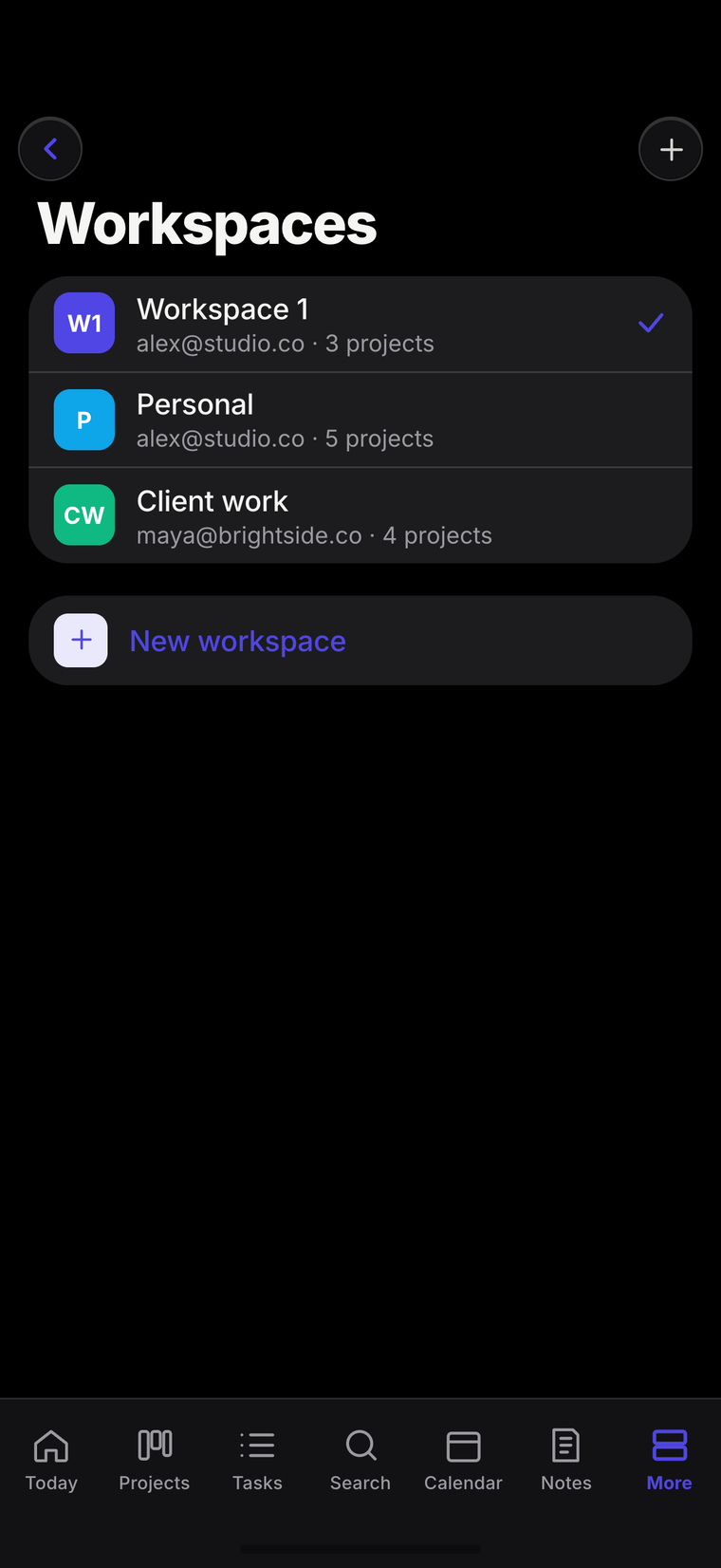
Spin up separate workspaces for work, side-projects and personal life—each with its own projects, people and calendars. Sign in to each with the same account or a different one, and switch in a click.
- Separate projects, people & calendars
- Use the same or a different account per workspace
- Switch between workspaces instantly
Under the hood
Quietly powerful where it counts
The substance behind the simple surface—everything you need to trust Jotifi with the things you care about.
Real-time collaboration
Invite people to a project and edit together. Every change appears the instant it's made.
Offline-first sync
Work on a plane, sync on landing. Jotifi is built to never drop a keystroke or lose a change.
End-to-end encryption
Your content is encrypted on device, in transit, and in the cloud—so only you and the people you share with can read it.
Instant search
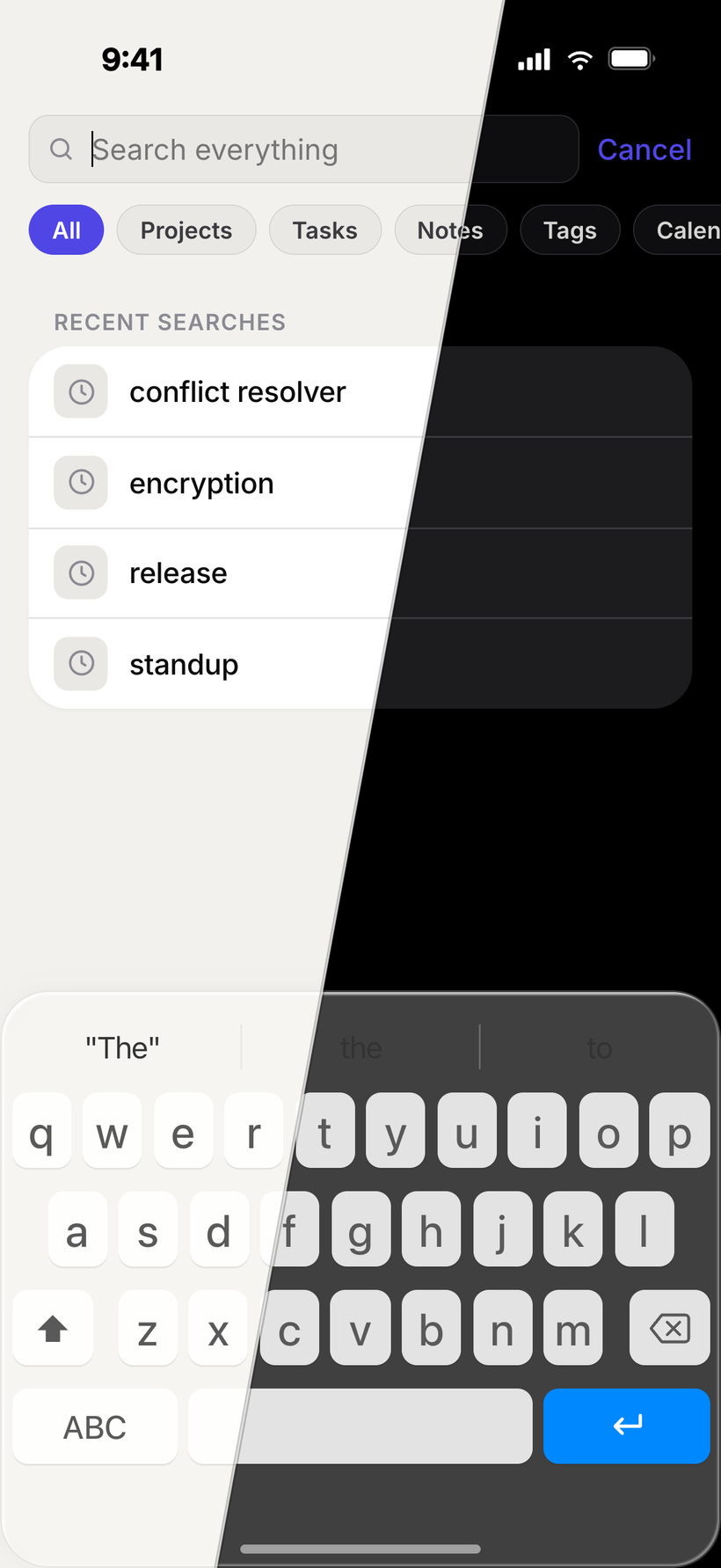
Find any content the moment you start typing—notes, tasks, boards and more.
Reminders & priorities
Reminders by time or place, priorities and recurring dates keep important things from slipping.
Tags & item links
Tag anything, then connect notes, tasks, and boards with links so related work stays one click apart.
Everywhere you are
One workspace, every device
Jotifi is available on Windows, macOS, iPhone, iPad, Android, and the web. One synced workspace keeps the plan you start on your laptop ready on every device.
Desktop
Available now for Windows and macOS, with native apps built for your desktop.
Tablet
Available now for iPad and Android tablets, with more room for your notes, tasks, and boards.
Mobile
Available now for iPhone and Android, ready for quick capture wherever you are.
Web
Open your full workspace in the browser today—nothing to install.
Pricing
Start with Starter. Grow with Pro.
Compare plans here, then sign in to choose Pro. Starter is free; Pro raises every plan limit and adds collaborative sharing.
Starter
A capable free plan for personal projects.
- 3 active owned projects
- 30 active tasks
- 10 base notes; up to 12 with project defaults
- 3 base task lists, calendars, spreadsheets & whiteboards; up to 5 with defaults
- File storage
- Receive 1 read-only shared project
- Sync and end-to-end encryption included
Pro
Most popularHigher limits and collaborative sharing.
Billed annually at $99.99 · save $19.89
Sign in to choose Pro- Expanded project capacity
- Higher limits for tasks and notes
- Higher limits for lists, boards, calendars and spreadsheets
- Expanded storage and file capacity
- Invite people to projects and items
- Choose read-only or editable sharing
One account. Every Jotifi app.
Your subscription is connected to your Jotifi account and follows you wherever you sign in. Check the account shown before checkout. A different Jotifi account needs its own subscription to use Pro.
Prices shown in USD for comparison. Final local pricing and taxes are confirmed at checkout before you subscribe. Store prices may differ.
Manage existing subscription — sign in to view your current subscription.
FAQ
Questions, answered
Does Jotifi work on desktop, web, and mobile?
Jotifi is available on Windows, macOS, iPhone, iPad, Android phones and tablets, and in your browser, with a consistent workspace and live sync across them.
Is my data private?
Your content is encrypted on device, in transit, and in the cloud. We're built privacy-first, so your notes and tasks stay yours.
Can I use Jotifi offline?
Absolutely. Jotifi is offline-first—keep working without a connection and everything syncs automatically the moment you're back online.
Is there a free plan?
Yes. Starter is free and includes 3 owned projects, 30 active tasks, 10 base notes, file storage, sync, and end-to-end encryption. Pro raises the limits and enables outgoing invitations with read-only or editable access.
Can I share and collaborate with other people?
Pro members can invite people to projects and items with read-only or editable access. Starter members can receive one shared project, which is always read-only.
Where do I sign up and manage my subscription?
Your account and plan follow you across Jotifi apps. Manage an App Store subscription through Apple, a Microsoft Store subscription through Microsoft, or a web subscription through Jotifi’s website.
Can I subscribe for multiple workspaces?
Each Jotifi account has its own plan. If your workspaces use different accounts, you can purchase a separate web subscription for another account. Read the multiple-workspace subscription FAQ.
Where can I download Jotifi?
Get Jotifi from the App Store for Mac, iPhone, and iPad, Google Play for Android, or the Microsoft Store for Windows. You can also open the web app at app.jotifi.com. Use the download links on this page to choose your platform.

Your notes and tasks,
finally working together
Download Jotifi and create your account in the app. Sign in with that same account on any Jotifi app and your workspace and plan come with you.
Sign up and manage your plan in the app